Apps Like Brick Pix (Ape Apps) for iPhone and iPad
Create art with themed squares
Create art using 1x1 themed squares. Choose from multiple color options. Save images to device, share via social media, or print for display. Draw classic 8-bit sprites or -themed artwork.
by Brandon Stecklein★ 4.827 ratingsEntertainmentFreeData updated 2026-09-18
The app follows Edna and her talking bunny Harvey as they attempt to escape an insane asylum. They encounter bizarre patients and a determined doctor while uncovering Edna's past.
Edit photos with filters, backgrounds, captions, and stickers. Add themed frames for holidays, birthdays, and milestones. Create collages and apply special effects. Share edited images directly.
Create drawings using a variety of art and color options. Select and match colors for coloring games. Use the Draw-it feature to sketch freely. Save and share completed artwork. Adjust brush settings for detailed strokes.
Create art using three colors on an 8x8 grid. Match numbered squares with color pixels. Rotate the canvas to change drawing colors. Undo mistakes. Share completed puzzles.
Create art using with 2-fold to 128-fold options. Draw patterns or let the generator create designs. Adjust brush size and style. Share creations on Facebook, Twitter, Instagram, and other platforms.
Color and paint magical creatures using brushes, crayons, and patterns. Earn stickers to decorate artwork. Save completed drawings to the gallery. Create custom books with favorite images. No ads and kid-friendly design.
Create and share custom and video art widgets for personal use. Draw unlimited pictures and animate them. Save and send creations to a partner. Access advanced tools for detailed artwork. Subscribe for additional features and content.
The app allows users to draw directly onto their camera lens or photos. Users can add captions, stickers, and doodle on images before saving and sharing them.
Watch short-form pixel art transformation videos. Share via Facebook Messenger, WhatsApp, Instagram, Pinterest, Snapchat, email, or Twitter. Collect favorite in a dedicated section. No ads, violence, or harmful content.
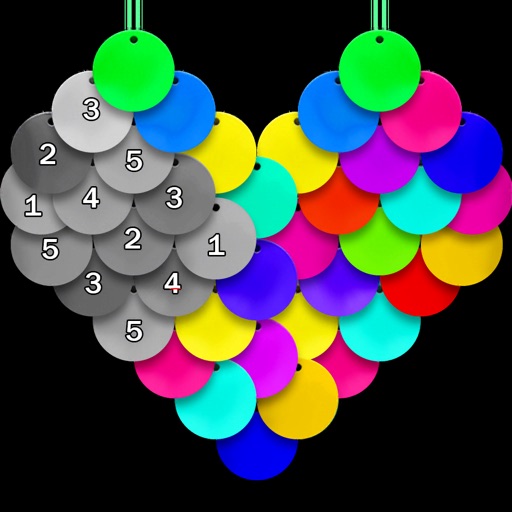
Color pictures using disc-shaped beads to create artwork. Select from various coloring pages. Add beads to fill sections and complete images. Save and share finished creations. Adjust bead placement and colors.