The app helps users take scanner-like pictures of documents and flat objects. It corrects perspective distortion and aids in focusing to preserve detail.
Take with customizable filters for character, scene, mood, scenery, food, and black and white. Add handwritten signatures for personalization. Apply blur and dark angle effects. Share directly to social networks.
Create fluid ink paintings with finger swipes. Use tapered brushes for organic line effects. Overlay strokes for layered artwork. Practice minimalist and painting techniques.
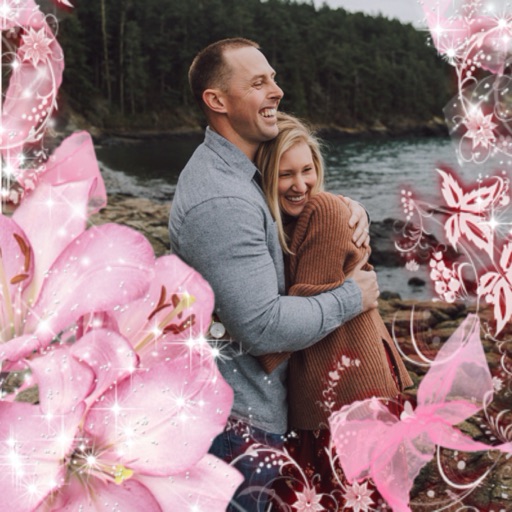
Select a or take a new one with the camera. Choose from over 30 colorful to decorate images. Apply different frame styles and designs. Save edited photos to the gallery and share them on social media.
Edit photos to improve clarity and sharpness using AI technology. Remove blurriness and enhance image quality. Adjust brightness, contrast, and color. Save and share edited photos directly.
Edit photos with cropping, resizing, rotation, color adjustment, framing, annotation, and special effect filters. Convert images between formats like PNG, JPEG, GIF, BMP, TIFF, HEIC, and PDF. Stitch photos using templates.
Measure light and color for accurate exposure settings. Use a zoomable spotmeter, RGB waveform monitor, and false-color preview. Attach Lenny Hat or Lumu™ Lite for incident readings with lux and foot-candle displays.
The app transforms photos into hand-carved or rubber stamps with options for rough effects and transparent backgrounds. It includes AI background removal and a feature to convert images to vector graphics.