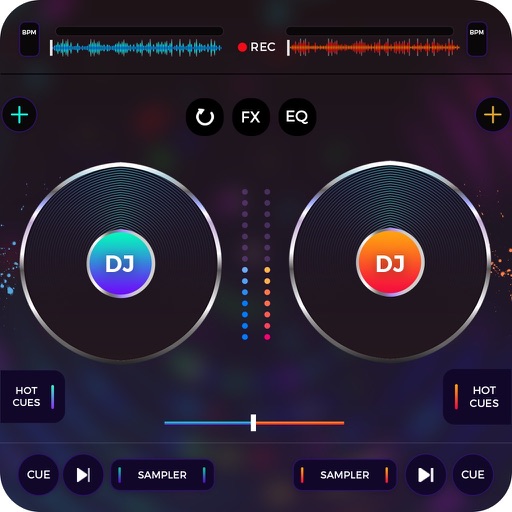
Stream from SoundCloud Go+ and local files via cloud services. Import tracks in multiple formats. Organize library by title, artist, album, bpm, key, rating, or duration. Create custom playlists.
Access from iTunes and iCloud libraries. Mix tracks with crossfade effects. Adjust tempo and pitch in real-time. Use built-in melodies and sound effects. Create custom remixes and save projects. Share mixed tracks directly.
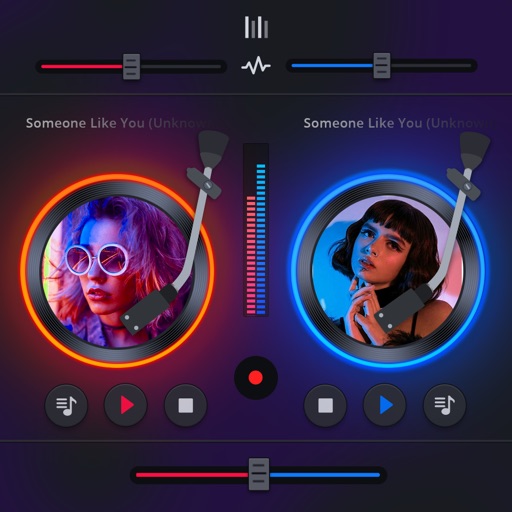
Mix and perform live with a 2-deck DJ setup. Import and sort music by title, artist, album, BPM, or length. Apply real-time Pro-grade FXs and use over 70 one-shot samples and 12 loops. Access Soundcloud library for tracks.
Mix tracks from multiple sources. Apply DJ effects and remix songs instantly. Use sampler and hardware controls to create custom mixes. Share finished mixes directly.
Create and edit music mixes with drag-and-drop track organization. Add effects, loops, and transitions. Export as MP3 or WAV. Share directly to social media or email. Supports multi-track layering and real-time playback.
Create tracks by layering loops from trendy sound packs. Record sessions and apply FX effects like filter, reverb, and delay. Edit and export tracks with high-quality audio.
Mix music from Spotify or Apple Music. Create and control DJ sets with beat matching, effects, and crossfading. Access a vast library of songs. Perform live mixes using touch controls and audio routing.
View and playback guitar, bass, and drum with realistic playback. Access unlimited learning features like speed control, looping, soloing, muting, and pitch shifting with a subscription. Export and share chord progressions.
Create using various sounds, beats, and professional effects. Record custom sounds with a microphone. Access beginner-friendly tutorials. Publish tracks, rate others' , and view top tracks and studios.
Create and mix audio tracks with DJ tools, access from media or cloud storage, use high-quality pads and loops, apply filters via swipe gestures, and adjust pitch with the Pitch Key A feature.
Edit photos by overlaying multiple images. Adjust blending modes and exposure settings. Access a collection of pre-designed overlays and effects. Save and share the final mixed image.
Manage playback with a 3D DJ interface featuring turntables and a 3-band EQ . Access a library to organize files and create custom mixes. Adjust volume and effects in real time during playback. Sync with external devices for live mixing.
Turn songs into mashups by merging tracks and auto-matching BPM and key. Remix audio by editing, slicing, and arranging sections. Swap vocals using AI to replace voices with famous artists. Export and share customized mixes directly.
Create and remix using loops and tracks. Adjust tempo, pitch, and effects. Layer and blend audio clips. Save and export custom mixes. Share creations directly.