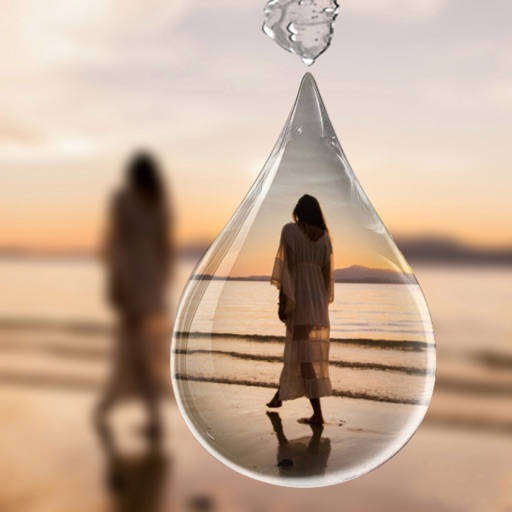
Select photos from gallery or photo library. Choose from numerous PIP frames. Use single image for both foreground and background or different images for each. Edit foreground and background separately. Apply photo filters.
Capture photos and videos with real-time filters applying effects during recording. Adjust filter position by tapping, swiping, or pinching. Edit videos with multiple filter styles ranging from funny to artistic. Share edited content directly.
Apply real-time or post-processing effects like VHS, , CRT, and chromatic distortion to photos and videos. Adjust flickering overlays and vintage shaders. Export edited content in various formats and share directly.
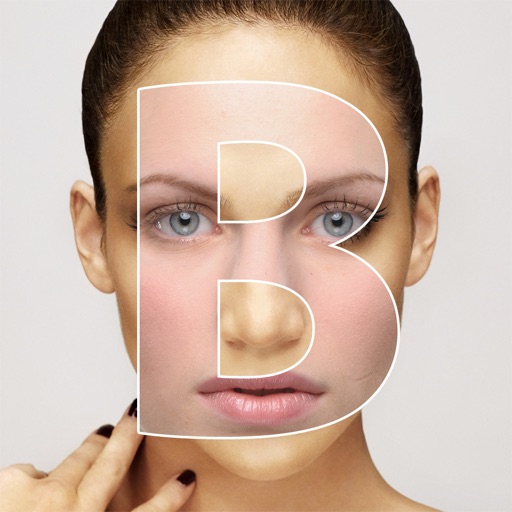
Create composite faces by blending selected photos. Choose images from the Photos Library, adjust blend settings, and share the result. No image data is stored.
Scroll to capture images for web pages or chat logs. Automatically splice chat records into continuous screenshots. Manually edit and combine screenshots without altering original content. Export edited screenshots directly.
Remove unwanted objects, text, or backgrounds from images or videos. Use finger gestures to select areas for deletion. Automatically blend removed sections with surrounding content for seamless results. Edit both static images and clips.
Take photos and apply artistic filters such as cartoon, comic, , and oil painting styles in real-time. Adjust filter settings instantly. Export edited images in various formats. Share directly from the .
Create collages using pre-designed templates or custom layouts. Arrange tiles in various grid and pattern styles. Import photos from the device or cloud. Share collages via email or social media.
Edit videos with trimming, cutting, and splitting tools. Add transitions, effects, and text overlays. Import and export in various formats. Collaborate in real-time with multiple users. Adjust audio levels and apply filters.