Displays musical chords for each key using Roman numerals. Audibly plays chords for practice. Shows chord positions on a keyboard layout. Helps users learn and identify chords visually and audibly.
by Utili Apps LLC★ 0.00 ratingsMusicFreeData updated 2026-09-17
Create music by combining drums, chords, and melodies. Record voice with real-time autotune. No experience required. All options integrate seamlessly to avoid errors. Collaborate creatively with others.
Create and edit chord progressions by selecting keys and chords. Build custom sequences and explore variations. Learn through interactive play and real-time feedback. Export progressions and integrate with music production tools.
The app guesses the beats, chords, and key of songs from a user's music collection. It helps musicians learn songs by breaking them down into individual parts.
Create and refine chord progressions with real-time suggestions and harmonic analysis. Adjust key signatures, invert , and explore voice leading. Save and export progressions for use in music projects.
Import and organize chords and lyrics from Dropbox, Google Drive, or SongSelect. View up to 30 songs in the free version. Share song sets with other users. Subscribe for more songs and advanced features.
Play with a complete and multi-touch support. Choose from grand , synthesizer, or organ. Learn chords through an educational game. Practice with a built-in metronome and sustain pedal. Perform popular songs and view note names.
A for children allows users to play musical notes and create chords by pressing three consecutive notes. Sliding fingers across keys produces harmonious sounds. It includes note sequences for nursery rhymes and lullabies in English.
Create and edit songs by dragging and dropping chords. Transpose songs to any key. Generate print-ready PDFs. Analyze and display fingerings for chords, scales, and arpeggios.
Guitar and stringed instruments through interactive games. Practice notes and chords on various fretboards. Choose from 9 instruments including guitar, bass, mandolin, and ukulele. Customize practice sections and track progress.
Play melodies using a sampled 10-hole diatonic . Access single notes, chords, blow, draw, and bend sounds across all 12 keys. Touch the screen to play without blowing. Record performances and share them directly.
The app provides a library of chord diagrams for guitar, ukulele, banjo, and mandolin. Users can look up and learn chords with fingerings and variations, and hear how they sound on their selected instrument.
Write ideas using a chord keyboard with automatic chord detection. View guitar chord diagrams. Transpose keys or use capo for tuning. Import memos from cloud or other apps. Share notes through various methods.
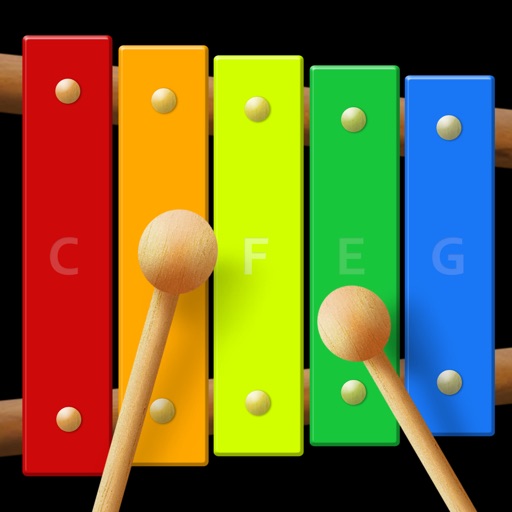
The app is a virtual xylophone application for iPod Touch, iPhone, and iPad. It features multi-touch for playing chords and includes xylophone mallets animation with retina display support.
The app provides a virtual xylophone experience for iPod Touch, iPhone, and iPad. It features multi-touch capabilities for playing chords and an instant recording feature for solo duets.
Play with a virtual and realistic instrument sounds. Tap keys under falling tiles to follow musical hints. Choose from various and instrument sounds. Track progress and replay game sessions.
Practice ear training by identifying intervals, chords, and scales. Listen to audio examples and select the correct answer. Track progress with detailed reports. Sync lessons across devices and receive instant feedback on accuracy.