Create -themed with multiple creative options. Select images from gallery or camera. Apply effects for enhanced visuals. Share photos on social media platforms. Save edited images in high resolution.
Create custom images by adding photos as backgrounds. Touch to draw dots and customize designs. Save creations and share via social media or messaging.
Object dimensions using phone and reference objects like credit cards or DVDs. Snap photos for accurate in-plane measurements. Add custom reference objects with known sizes. Export measurement data for later review.
And store receipts, documents, and photos. Save scans locally and in the for cross-device access. Auto-crop images to remove noise and enhance clarity. Share scanned files directly via email or messaging apps.
Create and customize 12 color options. Set timers for reminders, capture photos, and save for later. Organize for shopping lists, meeting details, ideas, and daily tasks.
The app decodes pictures with encoded sound and creates user codes from microphone recordings. It plays codes in real-time with hand-controlled speed and direction, and codes can be drawn by hand for unusual sounds.
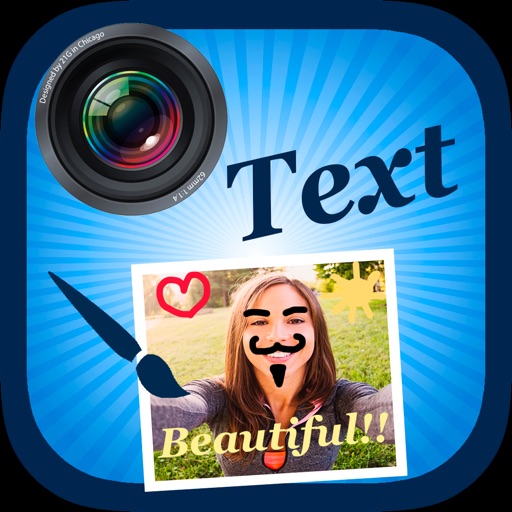
Edit by selecting from the gallery or taking a new photo. Adjust images to a square format. Add text with customizable fonts, colors, and borders. Move, rotate, and scale text. on with finger input.
Print images as large posters by dividing them into pages. Each page has a thin border line for cutting and barely visible numbering at the bottom left. Users can deactivate page numbers in settings.
The app transforms photos into hand-carved or rubber stamps with options for rough effects and transparent backgrounds. It includes AI background removal and a feature to convert images to vector graphics.