Offers DSLR-level photography with P and M exposure modes. Adjust shutter speed and ISO manually or automatically. Access film simulation settings for grain texture and contrast. Capture high-quality photos with mirrorless-level controls.
Provides functionality with adjustable brightness for rear and front lights. Includes mode for visibility in low light or events. Features Morse code transmission for communication.
Add light leakage and filter effects to photos. Apply color date watermarks. Edit daily life and travel photos. Re-add date watermarks to existing photos. Simulate a real one-time camera with 8mm/35mm film.
Record driving events with full HD front and rear cameras. Connect smartphone via Wi-Fi to view and manage footage. Share recordings directly from the .
Customize light effects with unique features and options.
The app offers a range of customizable lighting effects beyond standard white light. It includes features like strobe modes and color customization for various uses.
Record video and photos with full manual controls for exposure, focus, and white balance. Adjust creative looks and apply filters. Switch between stills and video modes. Export files in high-quality formats and share directly.
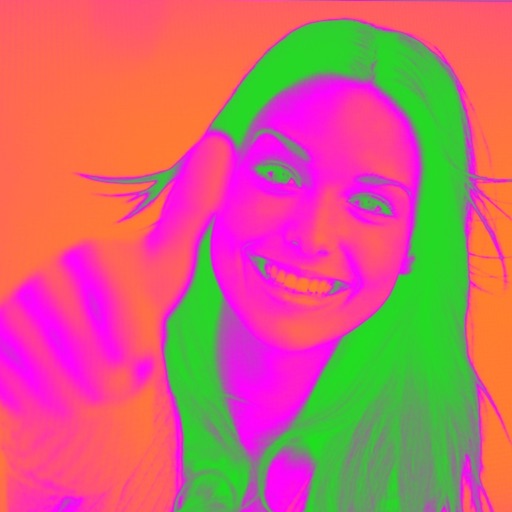
Turn your camera into a creative tool with . Apply fluorescent color filters to photos. Choose from 30 color combinations. Tap to switch views and capture images with unique color effects. Share edited photos directly.
Digital fundamentals through 15 interactive lessons and activities. Use shutter speed, ISO, and aperture calculators to adjust settings. Explore animated camera models to understand or mirrorless functions.
Capture photos and videos with control over focus, exposure, ISO, shutter speed, white balance, and flash. Enable RAW capture, real-time histogram, focus peaking, and lock exposure and white balance.
Set a for seconds before capturing photos. Automatically take photos at the designated time. Ideal for group shots and family photos. Adjust duration and trigger capture remotely.
Lengths and areas using your mobile device. Select from multiple measurement modes including point-to-point and area. Save screenshots or measurements for later. Change units of measurement as needed.