Create, edit, and delete notes. Set label via touch. Schedule notifications for specific times. Sort notes by date or color. View notes in wide mode. Back up data to iCloud. Share notes with apps like Twitter, LINE, and Mail. Displays ads.
by Akito Ibaraki★ 4.423 ratingsUtilitiesFreeData updated 2026-09-17
Create invoices from scanned documents and organize business paperwork in one place. Scan receipts, contracts, and notes. Convert documents to searchable PDFs or JPEGs. Sync files across devices. Send invoices directly to clients.
Track time with stopwatches for tasks. Set daily, weekly, or monthly goals. Sync across iPhone, Apple Watch, iPad, and Mac via iCloud. Generate reports to monitor progress and manage schedules efficiently.
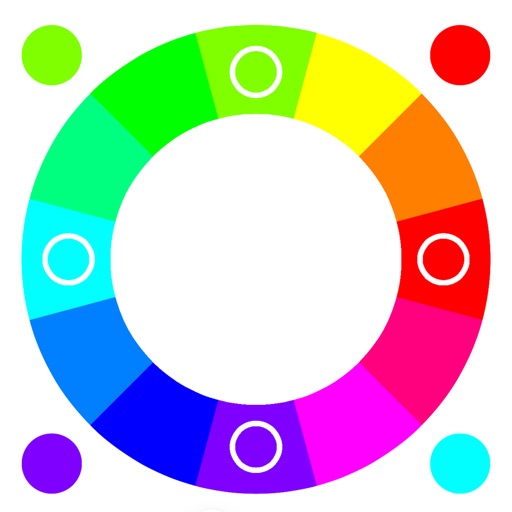
Select colors using RGB or HSB schemes. Access single, secondary, and tertiary palettes. Toggle between light and dark mode for different viewing preferences.
Create graffiti art using realistic cans in various colors and sizes. Choose colors and sizes to paint on a virtual wall. Delete or undo drawings. Share artwork with friends.
Manage lists with multiple entries and custom notes. Track days remaining, calculate ages, and set reminders for the day, the day before, or 7 days in advance. Use color coding and dark mode for easy viewing. All features are free to use.
Displays notes in a list format without titles, limiting displayed lines. Users create child notes for hierarchical organization. Swipe left or right to navigate between parent and child notes.
Customize message bubbles with colors, gradients, and animations. Edit or delete messages after sending. Share custom styles within iMessage conversations.
Create tasks quickly and easily. Organize tasks by tabs with unlimited separation. Color-code tasks with eight colors. View tasks via Home and Lock Screen widgets. Set reminders for deadlines. Sync tasks across devices using iCloud.
Display tasks on Home or Lock Screen with a simple widget. Tap to mark tasks as completed. Add tasks manually and rearrange order in settings. No folders, tags, or notes included. Focus on daily completion without additional features.
View monthly and next month calendars continuously without month boundaries. Display up to six weeks of appointments. Customize and event colors. Adjust color palettes for calendars and events. Set customizable display range for views.
Save articles from Safari, Twitter, Medium, and other apps using extensions. Read saved articles offline. Sync across devices with iCloud. Highlight text, take notes, and organize articles into folders. Share articles via email or social media.
Create and save notes, todos, and likes with consistent formatting. Rearrange items by long-pressing. Store account details and attach URLs. Enable passcode lock, dark mode, and character wrap. Display character count and auto-save on updates.