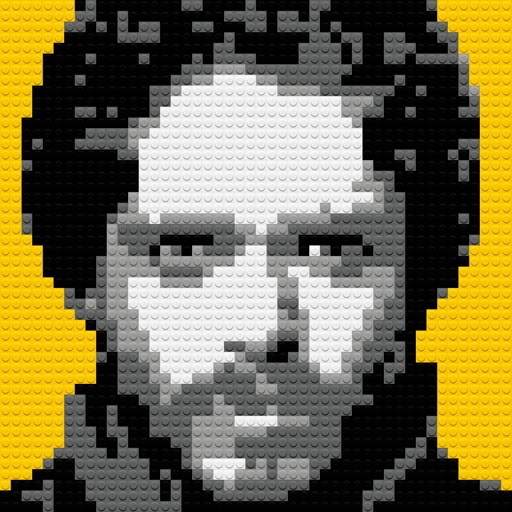
Create custom mosaics and video mosaics using images from device or social accounts. Analyze colors and shapes to generate personalized mosaics. Adjust settings for customization. Zoom in for detailed viewing.
And videos to obscure specific areas or entire footage. Adjust shapes, trace with finger, or auto- faces and cars. Process audio and change speed. Create fluffy effects.
Combine multiple photos into a single image. Create mosaics by arranging images horizontally or vertically. Apply blur effects to individual images. up to 50 or more photos in a single layout. Share the final composition directly.
Apply holiday colors to entries for visual distinction. Sync with iOS default data. Choose from 18 colors. Set start day of the week. Manage events with familiar interface.
Take time-lapse photos with adjustable interval settings. Create movies from captured images. Store photos directly in the . Export videos in sideways orientation. Adjust settings for photo and video capture.
Edit photos with finger-tracing and mosaic effects. Apply multiple layers of and mosaic styles. Crop processed images to custom sizes. Export edited photos in various formats.
Convert photos into art using classic patterns. Select from 7 available patterns. Upload or take a photo and crop the source area. Adjust tile size and color automatically. Export and share the final .
Create images from text using generative AI. Adjust colors, styles, and details manually. Save and share generated visuals directly. Explore diverse artistic interpretations based on text input.
Trim videos, add text and transitions, apply filters, and use templates. Insert music and adjust timing with simple taps. Export in various formats and share directly to social platforms.
Edit photos with and mosaic effects. Apply 15 types of or mosaic filters. Adjust color to create soft or colorful images. Save and share edited photos directly.