Adjust PDF margins interactively with precise controls. Modify margins using arrow buttons or adjust left and right margins separately. Open files from the or other applications like Safari. Save changes directly to the original file.
by Yohei Iseki★ 4.647 ratingsProductivityFreeData updated 2026-09-17
Convert images, Word documents, JPG files, and photos into PDF format. Scan documents directly or select files from your device. Share generated PDFs via email, cloud storage, or other apps.
Allows users to save and access documents offline via a web . It includes a for organizing , a viewer for iOS-supported document types, a photo , and a PDF reader. can be saved from the web and managed with passcode protection.
Create ZIP files, extract archives, batch compress
Files of various formats including ZIP, RAR, 7Z, TAR, and GZIP. Create encrypted ZIP files. Batch compress videos and photos from the photo library. Extract multi-volume archives by placing all parts in the same folder and selecting the first volume.
The app allows users to back up photos, videos, and address book data from a smartphone to an SD card inserted into the Panasonic BN-SDWBP3. It also enables viewing and playing files stored on the SD card using the smartphone.
Transfer files between devices and iOS. Backup contacts, camera roll, calendar, and social media data. Sync photos and documents across platforms. Manage files with drag-and-drop interface.
FTP client allows users to add, modify, and delete FTP servers. Download and upload multiple files or folders. View files online, create folders, and track progress. Access download and upload history. Sort files by name, date, or size.
Convert from PDF, DOCX, EPUB, and web pages into audio. Play, pause, and adjust playback speed. Navigate through content with swipe gestures. Save audio files for offline listening. Support screen reading for accessibility.
The app transforms an iPad or iPad 2 into a digital signage player. It supports automatic playback of various content types, including videos, images, and presentations, scheduled by time and device group.
Convert files to PDF including , Word, Excel, Txt, and PPT. Merge multiple PDFs, lock or unlock files, and scan documents. Edit PDF content, rename files, share, print, and convert PDFs to .
Create and view PDF documents. Convert files like DOC, XLS, PPT, and text to PDF. Scan photos or use camera to create PDFs. Combine or split PDFs. Secure documents with passwords or encryption. Add comments and annotations.
Create digital notes and sketches using Apple on Live Paper. Choose from over four hundred stationery types to design custom notebooks. Track time with a calendar planner, manage daily tasks with a day planner, and log nutrition in a food diary.
Convert PDF documents to editable files while preserving original formatting and layout. Edit or reuse content directly. Open converted files in compatible mobile office apps. No internet required. Process files entirely on device.
Transfer files between iOS devices via without file type limits. Share local documents, photos, and folders. Resume transfers, manage multiple files, and view transfer history. Sync file operations across devices.
Unarchive files in .zip, .rar, .7z, .bz2, .tar, .gz, and other formats. Open password-protected archives. Create .zip files from multiple files or entire directories. Transfer files via Wi-Fi or iTunes. Upload multiple files to cloud services.
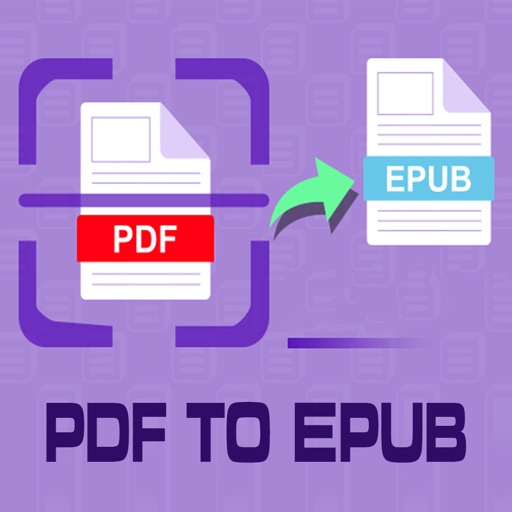
Convert PDF files to format for mobile reading. Edit text, adjust fonts, and customize margins. Export as and share or save to device. Supports iPad, iPhone, and ebook readers.
The app adds real-time watermarks to photos and videos, including current time and address. Users can customize timestamp formats, fonts, positions, and add custom text or logos.
Create and edit directly on iOS devices. Import questions from existing or use templates. Add collaborators and manage access. Edit questions, reorder, undo changes, and preview . Sync with Drive for seamless access.
Edit documents, spreadsheets, and presentations online
Create, edit, view, and share documents. Compatible with Word, Excel, PowerPoint, PDF, and Google Docs formats. Sync documents across mobile devices and Mac. Scan and convert PDFs. Export files in multiple formats.