iPhone Screenshots




Description
Adjust PDF margins interactively with precise controls. Modify margins using arrow buttons or adjust left and right margins separately. Open files from the or other applications like Safari. Save changes directly to the original file.
Have you experienced that a PDF file have too large/small margin?
PDF Margin Adjuster allows you to adjust PDF margins interactively.
How to Use
===
1. Open a PDF/PPT/PPTX* file with the folder button on the lower left of the screen.
You also can open a PDF/PPT/PPTX* file from another application (e.g. Safari).
2. Adjust the margin of the file.
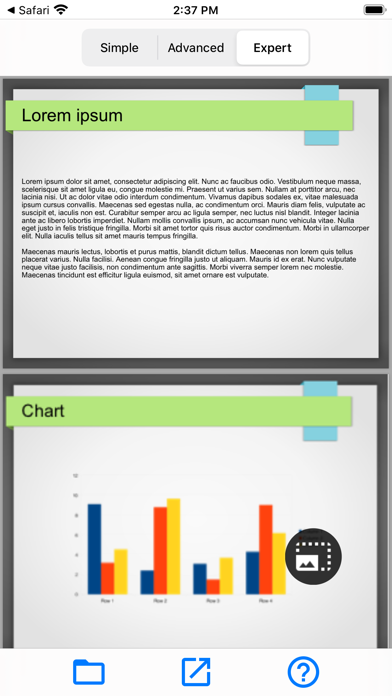
- Simple: adjust margin with the arrow buttons at the center of the screen.
- Advanced: adjust margin either side separately.
- Expert: adjust margin more finely and freely.
3. Save it to your own device or iCloud/ Share it to another application with the share button at the bottom of the screen.
*PPT/PPTX is experimental feature, layout can be collapsed.