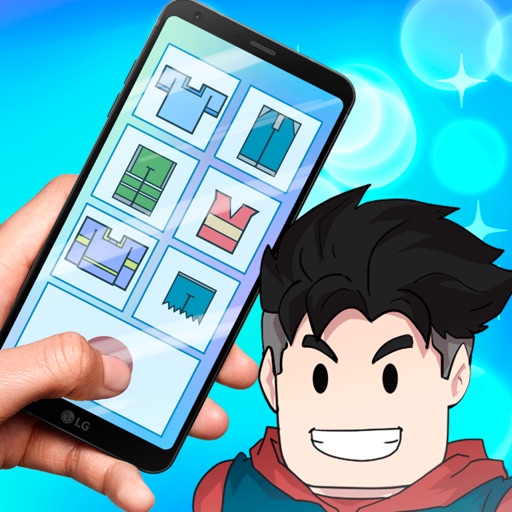
Design outfits with textures, photos, and stickers
Design outfits for 3D models by selecting texture-based colors and applying imported photos. Preview designs in real-time 3D. Add stickers for customization. Share creations via a new feed feature. Unlock pro tools with a subscription.
Record audio and take notes simultaneously during interviews or meetings. Insert and view multiple images within recordings. Edit audio files and organize them with customizable file folders. Apply different skins for personalization.
Create digital art using tools like paper, brushes, pencils, pens, and markers. Adjust brush pressure and opacity. Layer artwork and apply textures. Export in various formats and share directly.
Receive critical call details instantly via Apple Push notifications. Automatically map alarm locations and share real-time updates with responders. Access related photos and documents directly. Convert unclear dispatch data into readable sections.
Customize typing experience with interchangeable keyboard skins and . Use a variety of fonts and emojis to enhance messages. Enable automatic text sending for quick replies. Personalize layout and shortcuts for efficient typing.
Redirect Google Maps links, addresses, and direction buttons to Apple Maps without copying text. Support all Google domains on iOS and macOS. Automatically fallback to Google Maps web if redirection fails. Open map thumbnails directly in Apple Maps.
Create custom designs using a skin editor with various options and combinations. utomatic designs quickly without manual effort. Save and share fun stickers created within the .
The app provides a 3D pixel editing experience for creating sculptures, icons, and game levels. It offers tools for users of all ages, including layering and keyframe animation for more complex creations.
Customize iPhone with live and photos from gallery or camera. Choose from dark mode, HD, 4K, anime, and car themes. Add widgets for quick access. No sign-ups required. Privacy protected for personal photos.
Install packs with one click or design custom icons for home screen. Choose from multiple themes and prebuilt elements. Customize icons with text, backgrounds, and styles. Preview and save icons for later use. Edit and reinstall icons as needed.