Edit graphics with real-time vectorization in color, grayscale, or black and white. Apply Pop-Art filters and customize colors. Replace image colors with custom palettes. Export files and share directly.
by Luis Rivas★ 0.00 ratingsGraphics & DesignFreeData updated 2026-09-06
Create images using color or black and white dot patterns. Adjust dot size, rotation, and blend rate with the original image. Save photos up to 2000x2000 pixels. Apply polka dot effects for artistic designs.
Convert images to scalable formats like SVG or EPS. Upload PNG, JPG, or BMP files and automatically trace edges for precise outlines. Edit paths, adjust colors, and export files for printing, web use, or CNC cutting.
Create logos using AI-generated design concepts based on brand input. Choose from multiple logo options. Customize colors, fonts, and layouts. Export logos in various formats for use online or print.
Select an image from the or gallery. Focus on a specific point for 20 seconds to create an afterimage effect. The colors from the original image will appear as a colored afterimage on a black-and-white background.
Edit photos with 400+ filter adjusters, custom masks, AI face filters, and content-aware object removal. Add text, shapes, and . Export in multiple formats and share directly.
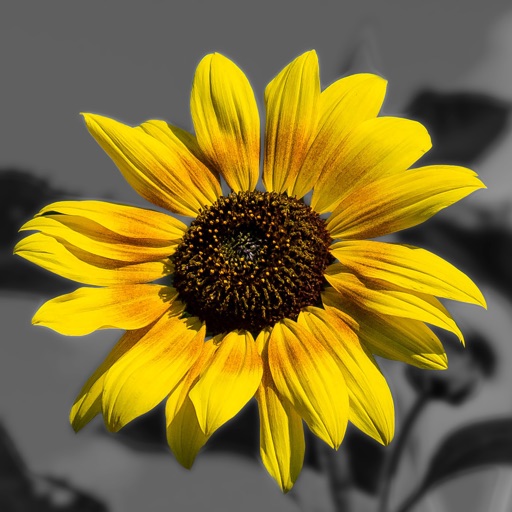
Edit photos by converting them to and and selectively adding with brush tools. Choose from various brush sizes and styles. Apply filters for creative effects. Undo changes with a single tap.
Create vector graphics, page layouts, and fillable forms with intuitive tools. Organize elements using an object browser. Design brochures, logos, and PDFs. Export as printable or editable files. Add text, shapes, and adjust colors.