
iPhone Screenshots


Description
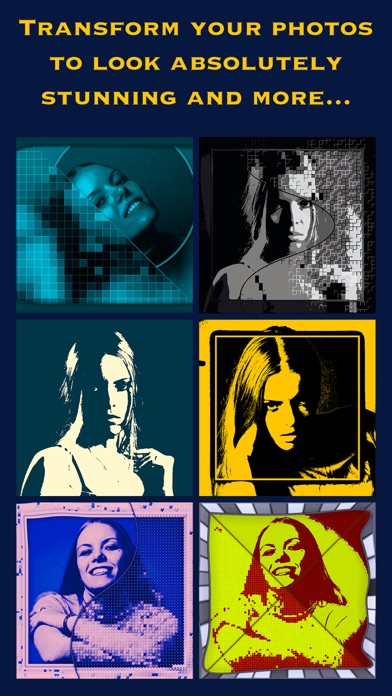
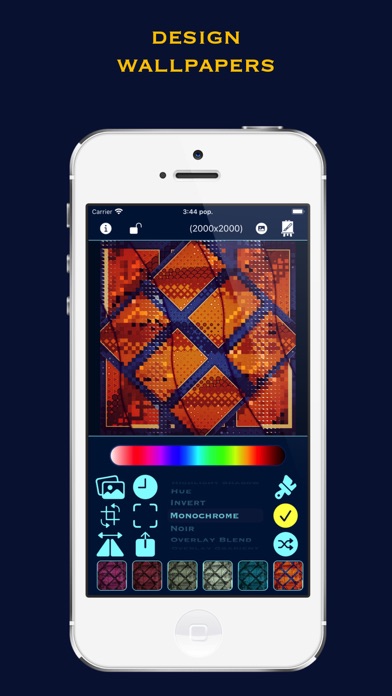
Create quickly and easily unique artistic photos, patterns & wallpapers on your iPhone, iPad or Mac Silicon!
With Tizima anyone can create artistic photos. +30 machine learning styles !!!
----------------------
Tizima
----------------------
• Custom designed effects
• iOS native effects
• Crop / Rotate / Resize / Export
• Export photo (PNG, JPEG, HEIF)
• New users get 7 free exports (if you are lucky: 100)
Effects
• Art (custom)
• Art 2 (custom)
• Art Contours (custom)
• Art Deform (custom)
• Art Humans (custom - focus humans)
• Art Mix (custom)
• Art Mix 2 (custom)
• Art Objects (custom - focus humans & cats & dogs)
• Art Poly (custom)
• Art Styles (27 machine learning styles)
• Black White
• Blend History (custom)
• Blend Original (custom)
• Bloom
• Blur
• Blur Bilateral
• Blur Surface
• Blur Zoom
• Brightness
• Checkerboard (custom)
• Chrome
• Clone
• Color
• Contrast
• Crosshatch
• Crystallize
• Deform
• Dilation
• Dilation RGBA
• Dot Screen
• Edges Normal
• Edges Sobel
• Effect
• Emboss
• Erosion
• Erosion RGBA
• Frame (custom)
• Frame Art (custom)
• Frame B&W (custom)
• Frame Blur (custom)
• Gloom
• Haze
• Hexagonal
• Highlight Shadow
• Highlight Tint
• History Art (custom)
• History Art 2 (custom)
• History Blend (custom)
• History Contours (custom)
• History Deform (custom)
• History Frame (custom)
• History Gradient (custom)
• History Merge (custom)
• History Perspective (custom)
• History Poly (custom)
• History Poly 2 (custom)
• History Stack (custom)
• History Zoom (custom)
• Hue
• Invert
• Kuwahara
• Lines (custom)
• Luminance
• Luminance Threshold
• Monochrome
• Monochrome Art (custom)
• Monochrome Art BW (custom)
• Noir
• Noise Reduction
• Overlay Blend (custom)
• Overlay Gradient (custom)
• Overlay History (custom)
• Overlay Original (custom)
• Overlay QR Code (custom)
• Overlay Self (custom)
• Overlay Self Mono (custom)
• Overlay Text (custom)
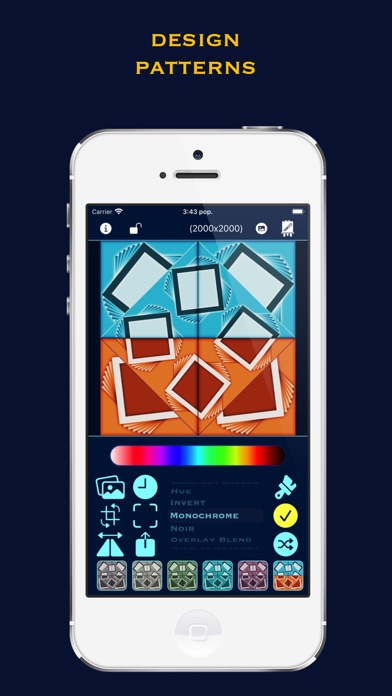
• Pattern (custom)
• Pattern Mix (custom)
• Pattern Poly (custom)
• Pattern Style (custom)
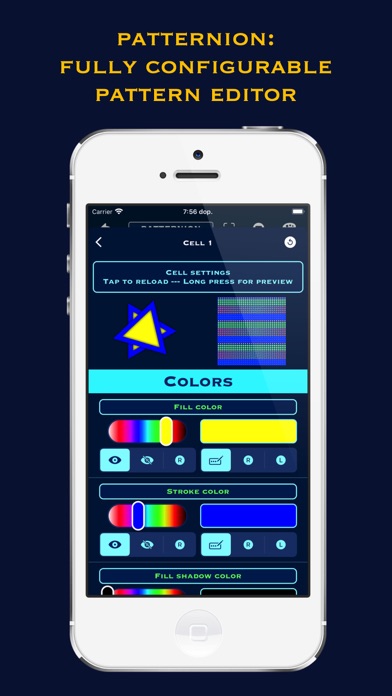
• Patternion (fully customizable pattern editor)
• Perspective
• Photo Effect
• Pixellate
• Poly-Ascii (custom)
• Poly-Tiles (custom)
• Posterize
• Random Effect
• Saturation
• Sharpen
• Sketch
• Sparks (custom)
• Splash
• Stacks (custom)
• Stripes (custom)
• Stripes Complex (custom)
• Stripes Curtain (custom)
• Swirl
• Templar (fully customisable effect editor)
• Tiling (custom)
• Tilt Shift
• Toon
• Tunnel
• Vibrance
• Vintage
• Vortex
• Vortex Multi (custom)
• White Point
• Zoom Crop (custom)
• Etc.
----------------------
Templar
----------------------
• Customisable effect editor
• Design effect templates and reuse them later
----------------------
Texturing
----------------------
Features
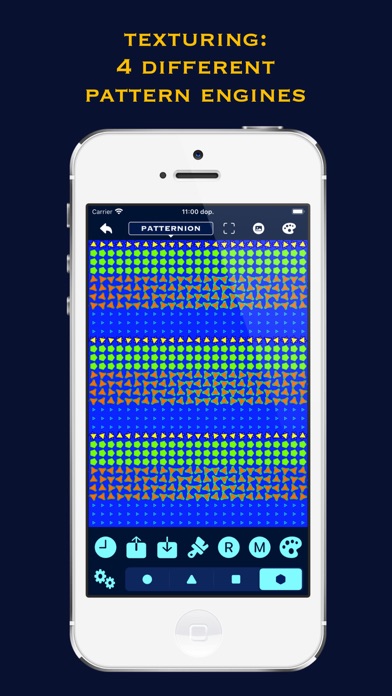
• 4 texture engines (+90 master presets): Simple, Complex, Super, Patternion
• Each main preset contains numerous sub-presets
• Patternion - Fully configurable pattern editor
• Art: +60 filters & effects (native and custom designed)
• Draw custom text overlay (+6000 famous quotes collection to choose from)
• Export created image up to 4000x4000 (or 6000x6000 on devices with >= 16GB Ram)
• Each texture is generated completely procedurally-randomly - innumerable possible combinations
• Shake gesture to draw new texture
----------------------
Patternion
----------------------
• Customizable pattern editor
• Design simple or complex patterns
----------------------
Mac Silicon Shortcuts
----------------------
• Apply Changes (Tizima & Art) --- Space
• Black White (Tizima) --- Cmd+Shift+M
• Blend History Clean (Tizima) --- Cmd+Shift+B
• Blend History (Tizima) --- Cmd+B
• All History Action (Tizima) --- Cmd+Shift+H
• Crop (Tizima) --- Cmd+Shift+C
• Draw Random Effect (Tizima) --- Cmd+R
• Draw (Tizima & Texturing) --- Cmd+D
• Effect Down (Tizima) --- Down Arrow
• Effect Up (Tizima) --- Up Arrow
• History --- Left Arrow
• Monochrome (Tizima) --- Cmd+M
• New Project (Tizima) --- Cmd+N
• Resize (Tizima) --- Cmd+Shift+R
• Save --- Cmd+S
• Share --- Cmd+Shift+S
• Toggle View --- Cmd+T