Access encrypted virtual disks from iPhone or iPad. Open images via local file system or import from other apps. View and retrieve files stored in VeraCrypt, TrueCrypt, LUKS, DMG, or ProxyCrypt volumes.
The app provides encrypted cloud storage with mobile access for organizations. It allows users to view, upload, download, and manage files securely from their devices, supporting remote work and compliance.
Convert photos and images into PDF files. Group multiple images into one document. Edit PDFs with password protection features. Convert between image formats and PDF.
Open and read documents (.wpd, .wpt, .wp, .wp4, .wp5, .wp6) on iOS devices. View document outlines, page thumbnails, and search text within files. Supports versions 1 through 11.
Manage private files securely by importing and organizing images, videos, audio, and documents. Preview and edit media files. Export photos and videos to Photos or Files. Transfer files via WiFi. Share files with third-party apps.
Convert documents, images, and web pages to PDF with a single tap. Edit text, add annotations, and merge files within the . Export PDFs in various formats and share them directly.
Transfer files between iOS devices via without file type limits. Share local documents, photos, and folders. Resume transfers, manage multiple files, and view transfer history. Sync file operations across devices.
Documents, spreadsheets, presentations, images, and formulas to PDF. Support includes txt, docx, xls, pptx, png, jpeg, and more. Edit and save as PDF directly. Share converted files via email or cloud storage.
Securely store and hide sensitive documents and files with encryption. Set custom passwords and fake codes for restricted access. View hidden content with a unique code. Protect personal data from unauthorized viewing.
Convert documents to PDF and edit existing files with annotations. Search for PDFs online, create new ones, and convert from various formats. Organize and manage files within the . Share and export edited documents directly.
FTP client allows users to add, modify, and delete FTP servers. Download and upload multiple files or folders. View files online, create folders, and track progress. Access download and upload history. Sort files by name, date, or size.
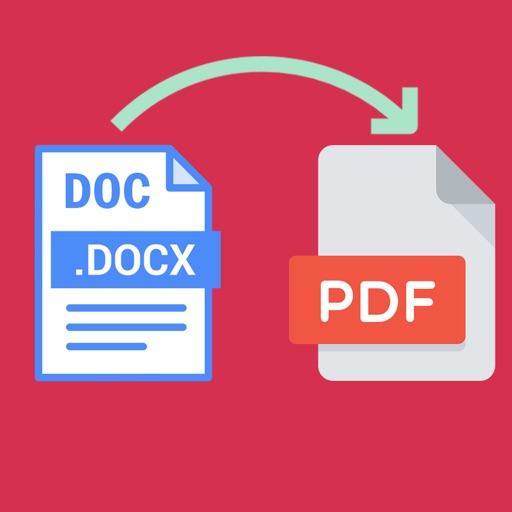
Word documents to PDF with full font support including Unicode, Indian, Arabic, Brazilian, and special fonts. Edit and view PDFs without font errors. Save and share converted files directly.