Compose music with Apple Pencil, converting handwritten notation into typeset scores. Edit, play back, print, and share scores. Record or import audio and edit it with Apple Pencil.
by StaffPad Ltd★ 4.0637 ratingsMusic$49.99Data updated 2026-09-16
Create and edit progressions with inversions, sus2, sus4, 7th, and 9th chords. Play chords as piano or synth or send MIDI to macOS. Use phone as MIDI keyboard for macOS. Practice reading musical notation.
Scan and edit documents directly on iPhone or iPad. Convert scanned files or import PDFs, images, and photos for editing, signing, and OCR. Add text, write with Apple Pencil, and rearrange pages.
Create and share music scores with notation, chord symbols, and lyrics. Edit scores with drag-and-drop tools. Collaborate in real-time with band members. Export as PDF or image. Sync with iOS devices and music apps.
Create beats and melodies using drum kits, synths, and melodic instruments. Sample audio via phone microphone. Edit MIDI sequences and export tracks to Live. Explore sound libraries and experiment with effects. Save and share musical ideas directly.
The app provides a music production environment with a piano keyboard and studio-quality instruments. It includes a multi-track sequencer for editing notes and applying effects.
Learn theory, notes, and fingerings with interactive lessons. Practice rhythms and customize ninja avatars. Track student progress and assign exercises. View alternate fingerings in red. Share results and manage multiple users.
Organize and access sheet music, song lyrics, and . Import PDFs, photos, or ChordPro files. Transpose chords instantly. Manage rehearsals and performances with customizable . Sync across devices for easy access during gigs.
Play calming classical and nursery rhymes for babies. Adjust volume and playback speed. Set sleep timers. Access a library of curated tracks for relaxation and sleep. Sync with smart devices for background playback.
To sight notes in G and F clefs. Practice notes across six octaves, including those above and below the staff. Randomly generated notes apply to any instrument. Switch clefs for varied practice. Beginners can limit octaves and set their pace.
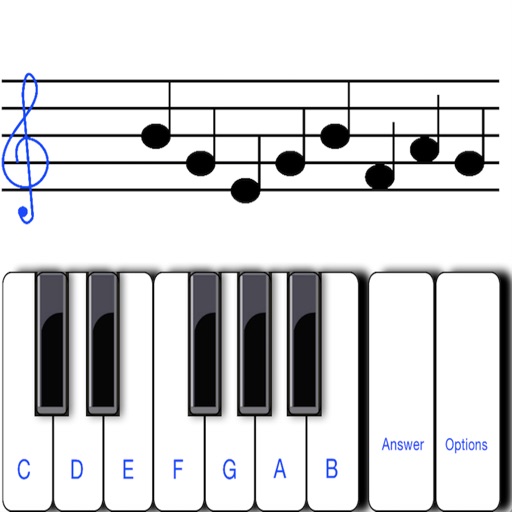
Displays a random note on the musical staff and you identify its letter name. Toggle between treble and bass clef. Choose from three letter notation systems: C D E F G A B, C D E F G A H, or Do Re Mi Fa Sol La Si.
Learn guitar notes with interactive educational games. Practice musical ear training, study over 500 chords across the , and explore scales in various positions. Customize tuning and select modes for focused practice.
Allows users to and format text with Markdown. It supports note-taking, task management, and document organization. Users can create personal wikis, build Zettelkasten systems, and manage research materials.
Create and edit musical scores with tablature and notation. Add chord diagrams and guitar effects. Play back scores with built-in audio. Share and export files in multiple formats. Sync with digital audio workstations.
Organize and access PDF files. Search for songs by title. Manage real books, fake books, chord charts, and multi-page scores. View and annotate directly. Share files with other users.
Create and edit musical scores using handwriting input. Render notes into professional notation and playback. Adjust note pitch and duration by dragging. Use split screen and dark mode. Access 128 General MIDI instruments and unlimited tracks.