
Notes! - Learn To Read Music
Note letters on clefs
Visions Encoded Inc.
iPhone Screenshots
Description
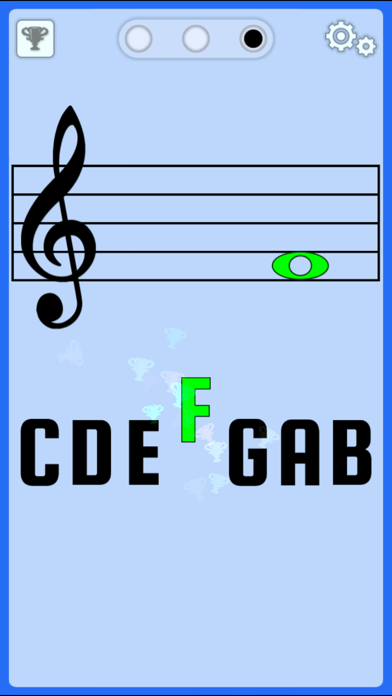
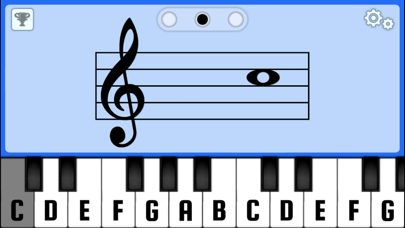
Displays a random note on the musical staff and you identify its letter name. Toggle between treble and bass clef. Choose from three letter notation systems: C D E F G A B, C D E F G A H, or Do Re Mi Fa Sol La Si.
Over 99000 purchased!
People love Notes because it's easy and it works.
This basic flashcard app helps beginners learn the letter names for notes on the bass and treble clef ("F" on bass through to "G" on treble).
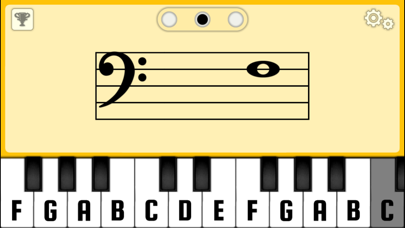
Easily toggle between treble and bass clef by tapping the clef symbol.
Letter notation can be set to any of these options:
1) C D E F G A B
2) C D E F G A H (used in Germany)
3) Do Re Mi Fa Sol La Si (Solfège)
Other Features:
• Displays a random note on the musical staff and you tap the correct letter/key.
• For MIDI savvy folk - this app is MIDI enabled! Use Apple Core MIDI compliant devices with the app.
• Toggle the visual effects on/off by tapping the trophy icon.
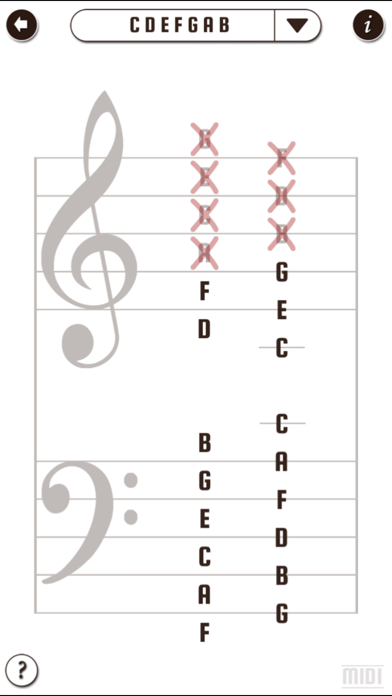
• Practice only specific notes (tap the gears icon to enter the Settings screen where you can disable all but the specific notes you want to practice).
TIP:
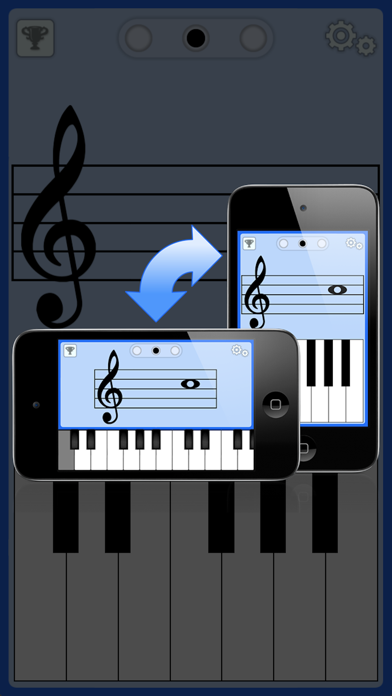
This app has slightly different functionality for portrait orientation vs. landscape orientation. To switch orientations: 1) make sure you have orientation lock off on your device, then 2) launch the app in portrait mode, then rotate your device to landscape mode. If it's not rotating for you, try toggling your lock orientation setting and try again. If you need help, contact us.
For feedback or suggestions please contact us at http://visionsencoded.com.
For intermediate learners, also try "Piano Notes! - Learn To Read Music."