Smart TVs and streaming devices with a swipe touchpad for navigation. Adjust volume, select channels, and manage playback. Pair devices via Wi-Fi or Bluetooth. Access shortcuts for frequently used functions.
Remote desktop access with low-latency H.264 protocol. Transfer files between devices. Connect using Apple Screen Sharing, VNC, or RDP. Sync computers and credentials across devices. Automatically sync clipboard data.
Control playback and navigate TV menus using your smartphone or tablet. Search for content and launch streaming services directly. Adjust volume and settings remotely. Sync with device for seamless interaction.
Control TV apps by opening, uninstalling, disabling, enabling, and downloading APKs. Manage permissions. Use built-in file manager to transfer files. Take screenshots or record screen activity. Requires USB/network debugging on Android.
The app allows users to control Mixcraft recording software from an iOS device. Users can start recording and playback, change position, control volume, undo/redo, and save projects wirelessly within the studio.
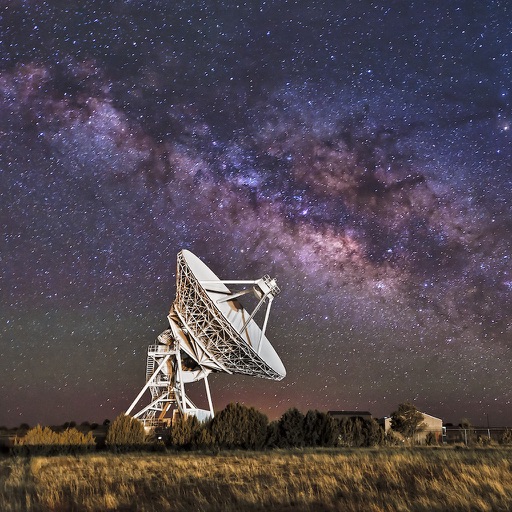
View coordinates for celestial bodies including planets, the Moon, the Sun, stars, and deep sky objects. Check if objects are above the horizon with a green icon. Click to access detailed information.
Cast content to Windows, Mac, Smart TV, Apple TV, or a web browser. Receive from other devices. Support landscape and portrait modes with ratio preservation. Enable real-time with low latency and sync audio-video. Mirror multiple phones to one PC.
Live camera feeds from multiple channels simultaneously. Playback stored recordings from a DVR. Adjust DVR or NVR settings within the . Capture live video or still images for later review. Save captured footage to the device.
Control television with a touch pad and keyboard for smooth navigation. Access saved configurations for quick setup. Use voice commands to search for content. View a clean, user-friendly interface. Sync with supported devices for operation.
Allows users to view live video feeds from IPC and DVR cameras via cloud login using a serial number or QR code. They can play local recordings, take snapshots, search for images, and control PTZ cameras.