Browse organized into 25 categories including Abstract & Textures, Animals, and Space & Galaxy. Set as phone background. Share via social media. Apply color filters to customize appearance.
The app offers over 200 overlays and 140 filters to enhance photos. Users can add typography and artworks from a selection of over 700 artworks and 150 fonts.
The app allows users to create saber action scenes by rotoscoping glowing colored sabers over video frames. It includes sound effects and allows importing and exporting videos from the photo album or device camera.
Create self-portraits with various art styles such as watercolor, oil painting, and wire craft. Apply live effects or modify existing photos. Choose from multiple canvases and unique effects like droplet.
Create illustrations, logos, and UI designs with precise drawing tools. Import and edit graphics. Organize projects in workspaces. Export in multiple formats. Collaborate in real-time with others. Adjust colors, shapes, and layers.
Create collages using photos from Camera Roll, Photo Stream, or Dropbox. Choose from pre-designed templates and artwork. Edit images with cropping, filters, and adjustments. Export and print finished layouts for physical display.
Take black and white photos with live preview. Use colored lens filters and professional conversion filters. Adjust contrast, brightness, and exposure in real time. Add film grain and black vignetting.
Create traditional hand-drawn animations with support for Apple Pencil or finger input. Use the traditional xsheet for timing and thumbnail previews. Enjoy smooth, natural drawing with automatic onion skin lighting for better visibility.
Create and draw on a virtual chalkboard using colored chalks. Write notes, sketch diagrams, and play games like tic-tac-toe. Share drawings via email or social media. Teach children to draw with guided activities. Erase or clear the board completely.
Create comic strips using AI-generated art or manual drawing tools. Choose from various comic styles like anime, manga, webtoon, and pop art. Sketch and convert drawings into high-quality images.
Solve puzzles by dragging and rearranging polygon tiles in hue order. Create mosaic art paintings from individual puzzles. Challenge logic and recognition skills. Share completed puzzles.
Create interactive storybooks with voice recordings, art, animation, and music. Add characters, set scenes, and narrate stories. Save and share completed stories. Collaborate with others to co-create narratives.
Create illustrations with a spacious canvas and customizable screen settings for iPad users. Use a wide range of brushes and tools for detailed drawing. Save work automatically to the cloud and adjust panels for comfort and efficiency.
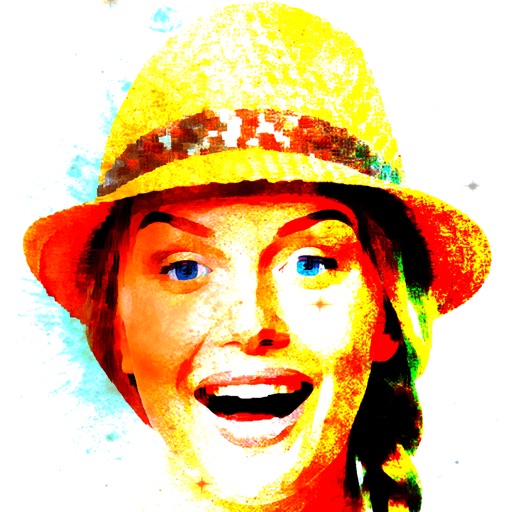
Convert photos into limited-color posters with a effect. Apply filters to adjust colors and brightness. Share images on social media platforms like Facebook and Twitter. Save or email the edited photos directly.