Edit photos to closed eyes using AI technology. Change eye colors with a variety of options. Swap eyes between individuals in portraits. Adjust and enhance eye details for artistic or corrective purposes. Export edited images in standard formats.
Edit photos by applying lenses and eye effects. Choose from various eye types and colors. Add red circles for a hypnotic effect. Drag and adjust lenses for custom placement. Share edited photos directly.
Edit photos with crop, rotate, exposure, color, sharpness, and resize tools. Create grid collages and edit individual images. Access presets, clone tool, and fine curve adjustments for detailed edits. Export and share edited photos directly.
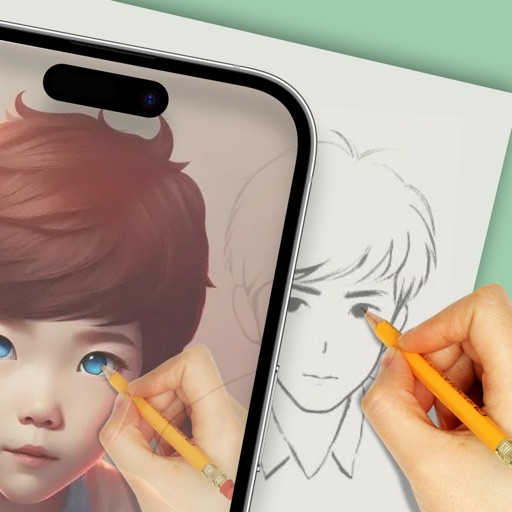
Convert photos to colored or black and white sketches using 7 available effects. Choose a photo from the library or take a new one. Apply a effect and save the result to the device. No internet connection is required.
To with guided lessons that show real strokes from professional artists. Practice step-by-step techniques to build confidence and accuracy. Use Apple Pencil for precise input and track progress through interactive exercises.
Learn to with step-by-step guided tutorials. Follow demonstrations to replicate drawings. Complete drawings and add color. Access categorized lessons by difficulty level. Track progress through repeated practice sessions.
With AR to images or text on real surfaces. Use guided frames for beginners. Create sketches and color them. Export artwork in various formats. Sync projects across devices.
Create and color images using tools and templates. Draw lines and shapes to modify pictures. Save and share completed artwork. Includes pages for coloring and creative activities.
Create using a drawing interface with customizable brushes and pencils. Import and animate vector graphics. Export frames as images or video. Add sound effects and background music. Share directly to social media or email.
Create fashion designs using 1,800+ templates and material brushes for fabric textures. Use technical brushes for production drawings. Generate AI-powered videos. Arrange layouts on presentation boards.
The app uses live-calculated brushes and strokes with HDR values for a unique art style. It offers gritty paper/canvas textures that interact with drawing tools for a satisfying look.
Use augmented reality to draw on any surface. Create sketches with AI-assisted tools. Select and customize NFT images from your phone gallery. Export drawings in various formats. Share artwork directly from the .
Create art with . Choose from nature scenes, portraits, animals, and mandalas. Customize colors, add textures, and save or share drawings. Import images for custom pages. Use layers and brushes for detailed illustrations.
Create images by arranging words into predefined shapes. Customize with color themes, fonts, and layout options. Adjust text processing to highlight frequently used words. Export and share the final design.
Set device wallpaper and lock screen with -themed images. Apply colorful egg and bunny designs. Add stickers to lock screen. Customize backgrounds for home and lock screen.