Read QR or barcodes to extract text or numbers. Convert data into images or PDF files. Save images to the gallery, share via email, or send as attachments. Export PDFs for email or extensions.
by Moveit D.O.O.★ 4.894 ratingsUtilitiesFreeData updated 2026-09-16
Documents using phone camera for receipts, notes, business cards, invoices, certificates, and more. Automatic edge detection and cropping. Edit text and images. Sign documents digitally. Save and share files in PDF or image formats.
Convert documents and images between supported formats. Select files from device storage or photo library. Choose target format from list including PDF, DOC, JPEG, PNG, and more. Preview converted files before saving.
Convert eBooks to audiobooks with AI narration. Adjust voice tone, speed, and pitch. Highlight text, take notes, and bookmark sections. Sync reading progress across devices. Export audiobook files for offline playback.
The app allows users to photograph or import images to record measurements, angles, and text notes. Users can save and share these annotated images, organizing them into folders.
Convert photos, images, or scanned documents to PDF instantly and offline. Edit and annotate PDFs. Save and share converted files directly. Supports JPG, PNG, and other common image formats.
Convert scanned or printed documents into searchable PDF, RTF, HTML, and TXT formats. Use advanced OCR to extract text from images. Edit and save converted files directly. Integrate with email and DTP applications for document processing.
By combining multiple files into one. to extract pages or divide large documents. Secure files with passwords and encryption. Customize appearance with headers, footers, and page numbers. Edit text and images directly. Save and share edited securely.
Photos to PDF instantly with support for JPG, PNG, and HEIC formats. Combine multiple images into a single PDF. Import from Camera, Photos, or Files. Extract pages from PDFs as images. Save and share directly.
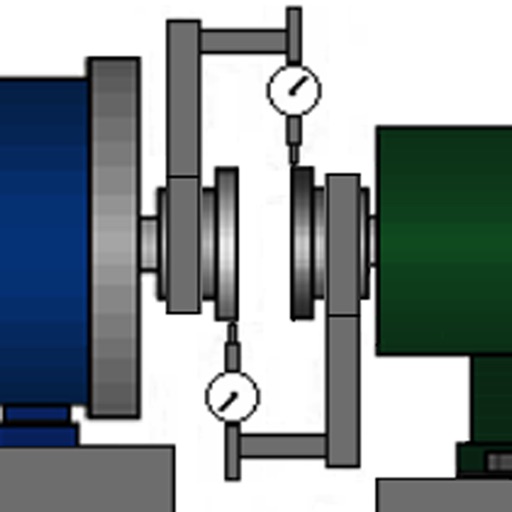
The app calculates machine shaft alignment corrections using multiple methods. It generates PDF reports with user signatures, sketches, audio, and image attachments, and allows saving alignment sessions for later review.
Documents using smartphone camera for high-quality images. Convert scans to PDF or image formats. Edit text, add notes, and annotate documents. Share files via email or cloud storage. Organize and store scanned documents in folders.
Read from web pages and adjust speed between 0.1 and 2.0. Copy from web pages. Save as a txt file. Share with other apps. Enable via Safari Extensions preferences.
Convert documents to and from PDF, JPG, DOC, DOCX, PNG, TXT, and PPT. Edit PDFs with AI-powered image-to-text conversion, document summarization, rewriting, and grammar checking. Export edited files in multiple formats and share directly.
Convert PDF files to Pages, Keynote, plain text, and image formats including TIFF, JPEG, PNG, GIF, and BMP. Specify page ranges for conversion. Automatically recreate layouts, apply styles, regroup graphics, and extract images without manual editing.
Documents, convert to PDF, and save or share files. Edit text, add annotations, and view PDFs. Supports receipts, business cards, photos, and more. Includes a PDF reader and document organizer.
Convert documents between formats such as PDF, Word, Excel, PowerPoint, and images. Edit converted files directly. Save and share converted documents. Import files from cloud storage. Export in multiple formats.
Use AI chat for instant responses without internet. Analyze files and PDFs securely. Generate images from text on device. Connect to desktop apps or cloud models for advanced tasks. Maintain privacy with encryption and no data tracking.
Documents between formats including Word, Excel, PowerPoint, images, and PDF. Edit, merge, split, and annotate PDF files. Export to image formats or images to PDF. Share converted files directly or save to cloud storage.