iPhone Screenshots


Description
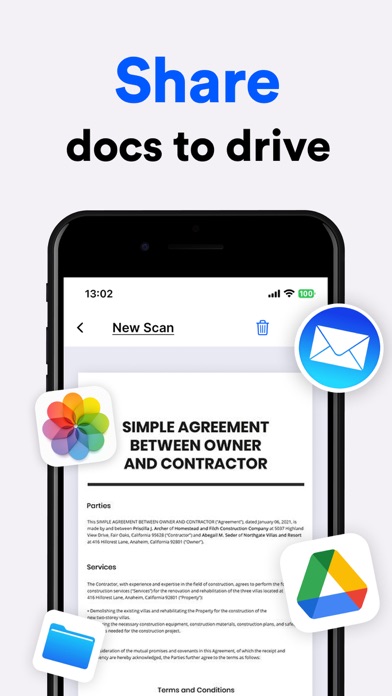
Documents using phone camera for receipts, notes, business cards, invoices, certificates, and more. Automatic edge detection and cropping. Edit text and images. Sign documents digitally. Save and share files in PDF or image formats.
PDF Scanner - Scan, Edit, Sign Documents Effortlessly
Transform your phone into a powerful document scanner with PDF Scanner. Scan, edit, and sign documents on the go with ease and convenience. Perfect for business professionals, students, or anyone who needs a reliable and efficient way to handle documents.
Key Features:
Scan Documents:
- Use your phone camera to scan any type of document: receipts, notes, business cards, invoices, certificates, and more.
- Automatic edge detection and cropping for perfect scans every time.
- High-quality image processing for clear and readable documents.
Edit Documents:
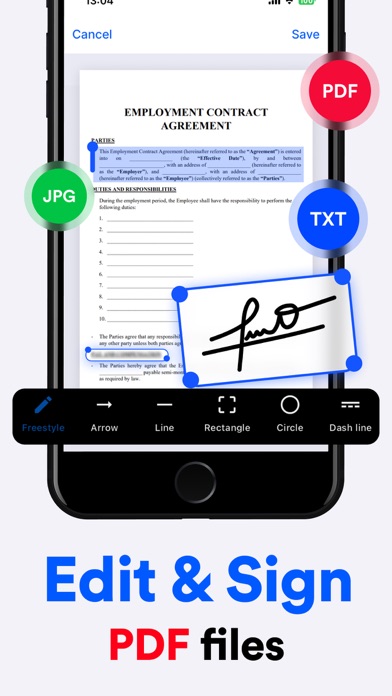
- Add annotations, text, and highlights directly to your scanned documents.
- Rotate, crop, and adjust the color of your scans to your liking.
Sign Documents:
- Sign documents electronically with just a few taps.
- Create and save your signature for quick access.
Download PDF Scanner today and revolutionize the way you handle documents!
Please be aware that certain features of the app are available exclusively through a premium subscription. Unlock unlimited access to all features by choosing one of our subscription options:
- Weekly Subscription
- Annual Subscription
Privacy Policy: https://docs.google.com/document/d/1YiAZO1lrvNd_5quCuvFpVdUJLkIIgiypPJ4YMs17hbU/edit
Terms of Use: https://docs.google.com/document/d/1efRXDoIZCRYqesukCqpAQIto2MXgqz03TdcDKlw7iQA/edit