The app simplifies systematic behavior observations and generates easy-to-understand graphs. It compiles data from observations into meaningful reports that can be emailed or printed.
The app offers unlimited Sudoku puzzles with five difficulty levels and an intuitive interface. It features auto-save, pencil marks, and leaderboards, allowing users to track statistics and play custom puzzles from newspapers.
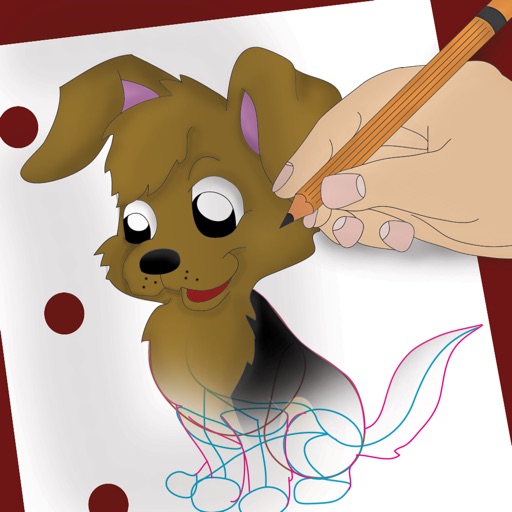
Draw and color characters directly on the screen or with a pencil on paper. Access a public gallery to share art. Follow step-by-step drawing guides. Color pages with solid or gradient colors. Color pixel art by numbers.
Create and annotate digital whiteboards with infinite canvas size and zoom. Choose from three paper backgrounds. Export to PDF. Toggle between light and dark modes. Purchase additional boards without recurring charges.
Calculate GPA by adding grades and credits with two taps. Remove grades by swiping or tapping. Clear all grades by holding. Track academic performance with simple, intuitive controls.
Sketch and draw using the ® with step-by-step guidance. Learn to write with interactive lessons for all skill levels. Export drawings and access tutorial videos for practice.
Create and edit musical scores using Apple Pencil, finger, or stylus. Organize compositions in folders. Use templates or import custom paper. Share or print scores as PDF. Copy and paste sections for editing.
Train observation and anatomy skills with timed figure sessions. Select pose duration, choose from photo galleries, and start immediately. A summary displays performance after each session.
Create illustrations, logos, and UI designs with precise drawing tools. Import and edit graphics. Organize projects in workspaces. Export in multiple formats. Collaborate in real-time with others. Adjust colors, shapes, and layers.
Teaches children to correctly using animated step-by-step guidance. Features include drawing animals, flowers, and objects with assisted strokes. Includes difficulty levels to practice sketch formation and fine motor skills.
Write notes and entries using Apple Pencil. Capture handwritten text and convert it to text. Organize entries into dated pages. Customize page layouts and colors. Export entries as PDF or image files. Share entries via email or social media.
Plan tasks with handwritten notes, doodles, and sketches. Switch between yearly, monthly, weekly, and daily views. Customize templates and retain past notes. Sync with Apple Calendar to view events directly.