Use pumpkin emoji stickers to enhance fall-themed messages. Add stickers to photos, layer them for creative designs, and scale or rotate for different layouts.
by James Seeger★ 5.04 ratingsStickersFreeData updated 2026-09-16
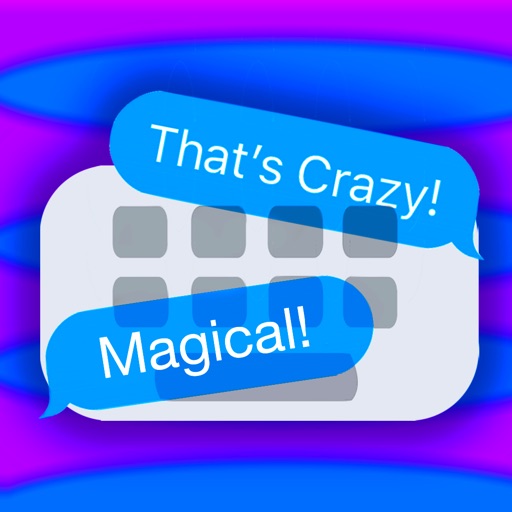
Create and send custom stickers by combining text and images. Add colored text in various hues. Overlay emojis on messages. Share stickers via iMessage. Customize sticker content by peeling and pasting text or images.
Add -themed stickers to iMessages featuring characters like Elsa, Anna, Olaf, and Snowgies. Tap the Store icon in iMessage to install. Use stickers in conversations by tapping the sticker icon and selecting from the pack.
Add stickers and effects to iMessage conversations. Resize stickers with pinch gestures. Include Day . Place stickers over messages, images, or other stickers. Share emotions and ideas through humor and visual effects.
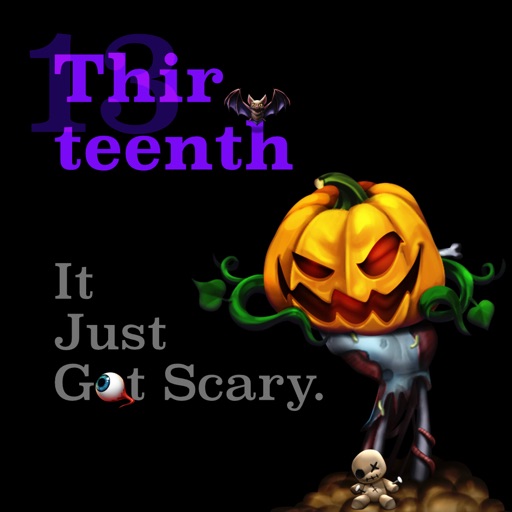
Use stickers to add designs to messages. Choose from summer pumpkins, ghouls, autumn foods, skeletons, leaves, and moon sets. Customize sticker size and position. Share directly in chats or social media.
Add stickers to messages by tapping to select. Place stickers on message bubbles or photos by tapping and holding to position. Layer stickers for creative expression.
Send stickers of , an adorable cat, in iMessage. Tap to send, drag onto messages, and resize or rotate with two fingers. Includes 18 free stickers and 33 total. Automatically added to iMessage after download.
Use animated stickers to enhance conversations. Add to express affection. Share stickers via WhatsApp after unlocking packs. Supports Dark Mode. No animation in WhatsApp.
Use stickers with animations to enhance messages. Include unicorns, bunnies, butterflies, flowers, hearts, ponies, castles, and rainbows. Add decorative elements like stars and detailed designs. Share customized messages with animated stickers.
Add stickers to iMessage conversations with pinch-to-resize functionality. Place stickers over text, images, or other stickers. Includes wsb and stock-themed stickers for expressive communication.
Share stickers featuring imagery. Add, delete, or rearrange stickers in messages. Access free sticker packs and browse additional packs for purchase. Sync stickers across devices.
Add text to stickers with custom fonts and colors. Use emojis as stickers and tint them with any color. Personalize messages with festive themes and share across messaging apps.
Add animated stickers of characters and food items to messages. Choose from Grand Slams and other themed designs. Share stickers in chats and social media. Customize sticker placement and size.
Add animated stickers to messages in chatrooms. Tap to insert stickers into message bubbles. Drag stickers onto messages or other stickers. Rotate and scale stickers using a second finger.
Create and share messages with animated stickers. Choose from a collection of scary-themed stickers to add visual effects. Customize stories with multiple sticker options and send through messaging apps.
Add iMessage effects to conversations with customizable stickers. Resize stickers using pinch gestures. Stick them over messages, images, or other stickers. Include a variety of Day of the themed stickers for expressive communication.
Send stickers to messages by tapping the sticker pack in iMessage. Choose from cat emojis. Paste stickers directly into conversations. Add stickers to iMessage via Store or Manage tab.