
Apps Like Easy anonymize - Faceblurry for iPhone and iPad
Easy anonymize - Faceblurry screenshots
Ranked alternatives
Showing 301–320 of 1,000 ranked alternatives.





Collage Photo Frame Maker
Daisuke Suzuki
Create collages with custom frames and colors
Create collages by combining multiple photos into a single . Resize the , adjust rounded corners, change resolution, and modify the color. Rotate individual images within the . Premium plan offers additional features and auto-renewing subscriptions.

Face Swapper - AI Face Swap
Daxit Mangukiya
Faces in photos and share them
Faces in photos using AI technology. Select two faces and replace them in images. Share edited photos on social media and messaging apps. Apply filters and effects to swapped faces. Save and export modified images.
Animal face - Safari at Home
Jorge Gregorio Martin Bello
Try on faces with your photo
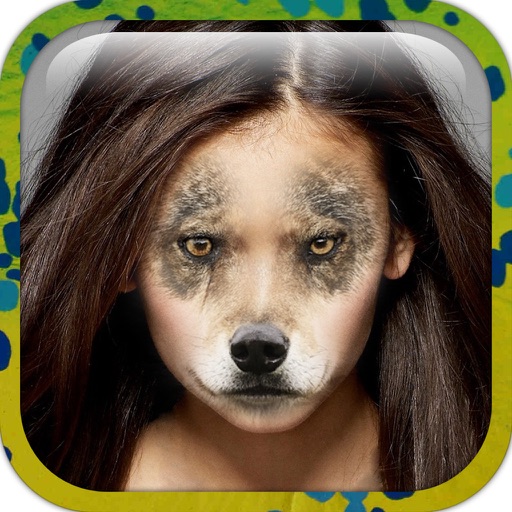
Edit photos by applying faces and filters. Choose from free templates to try on. Upload photos from albums or Facebook. Share edited images on Twitter or Facebook. Select preferred for personal use.


No Crop AI Editor – SquareFit
Bilal Nawaz
Post photos in square, portrait, or landscape
Upload and edit photos with options to choose format, color, and gradient colors. Add multiple images and post full-size photos to Instagram without cropping. No watermark included.


HEAVYPAINT Classic
HEAVYPOLY, Inc.
Paint and edit with layers and masks
Create digital paintings using layers, masks, and clipping. Apply smudge and blur tools for texture. Draw shapes and use pure colors. Erase parts of artwork. Save and share completed pieces.
How we rank alternatives
Apps are ranked by functional similarity, category fit, rating confidence, and popularity.