Create pixel art sprites with drawing tools and a powerful engine. Open and edit pixel art files from Files. Use iCloud Drive for cloud storage. Support Apple for precise input. Import and customize color palettes.
by 256 Arts Inc.★ 4.661 ratingsGraphics & DesignFreeData updated 2026-09-16
Edit screenshots by selecting and redacting text, highlighting key details, adding strikethroughs, and drawing freehand annotations. Adjust text appearance with styling options and export edited images.
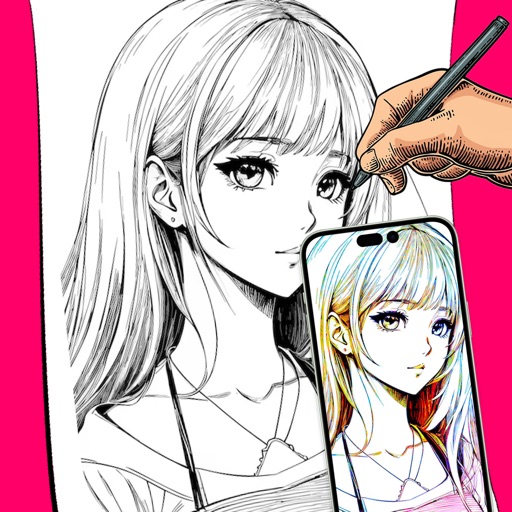
Use camera as tracing projector to on paper. Trace lines directly with pencil. Access and painting features. Learn to people, anime, and objects. View step-by-step guidance for artistic techniques.
Install high-resolution brush and stamp sets with one tap. Import .brush / .brushset files directly. Create art in styles like watercolor, ink, manga, and calligraphy. Use time-saving stamp collections for quick composition building.
With intuitive tools and layers. Edit photos to pixelate them or design memes and posters. Use an advanced color picker with RGBA support. Zoom and move with gesture controls. Export artwork for NFT creation.
The app allows users to create pixel art characters or landscapes using their fingers. It includes a color history feature to store four colors per work and a gallery to manage created art.
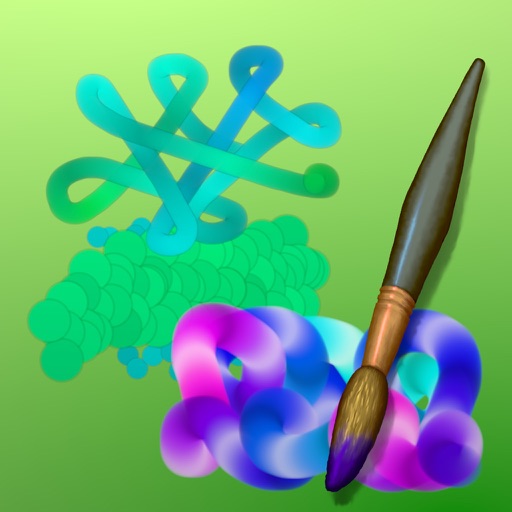
Create art with drawing and painting tools including Standard Brush, Eraser, Serpentine Brush, Pulse Brush, and Confetti Brush. Adjust stroke properties based on Apple Pencil pressure and tilt.
Pollux Bilisim Teknolojileri Sanayi ve Ticaret Limited Sirketi
Sketch on photos with AR
Use AR to sketch and draw on photos with realistic ink effects. outlines or create pencil sketches from images. Convert photos into artistic drawings with AI-powered tools. Save and share finished artwork directly.