Edit photos with effects, resize images, and cut out sections. Access images from internet platforms like Pixabay and Unsplash. Edit personal photos and use camera for instant captures. Unlock advanced tools with the Pro version.
by Green & Red LLC★ 4.31,363 ratingsPhoto & VideoFreeData updated 2026-09-06
Colorize photos automatically with advanced algorithms. Enhance clarity and convert low-resolution images to high definition. Adjust colors and brightness for vivid results. Export edited photos in various formats.
Create animated projects using photos from your gallery or exported from Pixabay/Unsplash. Apply and edit moving . Export and share finished animations.
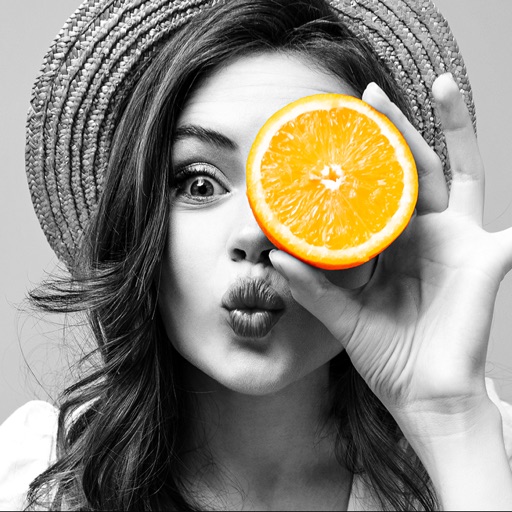
Selective coloring allows users to add to specific image areas against a monochrome background. Recolor tools enable adjustments to hair and eye colors. Users can apply advanced editing options to enhance and customize their photos.
Remove unwanted people and blemishes from photos or videos by painting and erasing. Edit images with AI tools, add text, filters, and effects. Adjust facial features like face shape, forehead, chin, and cheeks.
Edit photos to adjust proportions including waist, thighs, arms, and legs. Modify height and resize buttocks. Use auto face detection for facial enhancements. Share edited images directly.
Edit videos with effects to color, animate, enhance, warp, combine, and re-time clips. Add music, text, and stickers. Export in various formats and share directly.
Create collages with over 1000 layouts and customize with filters, frames, and text. Edit photos using cropping, adjustments, and stickers. Save and share edited images directly.
Convert photos to pencil sketches with adjustable effects including ink, outline, stony, charcoal, and cartoon styles. Support black and white and color pencil painting. Apply stylization, high contrast, and other advanced editing tools.
Turn photos of pets or objects into customizable patterns for lock screens. Create animated patterns and save as live photos, videos, or GIFs. Use AI to cut out subjects or trace manually. Choose from suggested colors and palettes.
Create art with vibrant colors and realistic tools. Choose from mandalas, animals, patterns, and florals. Tap to or use the paint bucket for quick fills. Share creations with the community.
Edit photos with filters, cropping, and adjustments. Add text, stickers, and frames. Create collages by combining multiple images. Share directly to social media. Apply effects and choose from various fonts and stickers.
Create collages and edit photos with cropping, filters, and text. Add stickers and remove backgrounds. Edit videos, create slideshows, and design invitations. Share directly to Instagram with hashtag management.
Edit photos with cropping, resizing, blending, and beautification tools. Adjust brightness, contrast, and saturation. Add stickers, backgrounds, graffiti, and borders. Create collages with over 500 stickers. Apply filters to montages.
Add sparkle and glitter effects to and videos. Upload images from the gallery or capture new ones. Apply light effects to reflective objects. Record videos, add or remove audio, and apply real-time glitter effects.
Trim, cut, and crop clips. Adjust brightness, contrast, and color. Add slow motion effects. Overlay multiple clips. Export videos in various formats. Share directly from the .
Edit photos with filters, light overlays, and aesthetic design elements. Crop, resize, and add borders or shapes. Create collages with multiple layout templates. Include stickers and share edited images on Instagram or Facebook.
Create collages by combining multiple photos into a single . Resize the , adjust rounded corners, change resolution, and modify the color. Rotate individual images within the . Premium plan offers additional features and auto-renewing subscriptions.
Photos with filters, cropping, and adjustments. Add text and stickers. Export in multiple formats and share directly. Generate realistic avatars from selfies. Create images based on text descriptions.