Apps Like procreate绘画-sketchbook画画 for iPhone and iPad
Draw, share, and create art anytime
Create and share original art with a wide range of brushes and tools for realistic drawing. Draw geometric shapes like rectangles, ellipses, and circles. Practice handwriting, signatures, and calligraphy. Share creations with a community of artists.
by 林 李★ 1.01 ratingsProductivity$1.99Data updated 2026-09-16
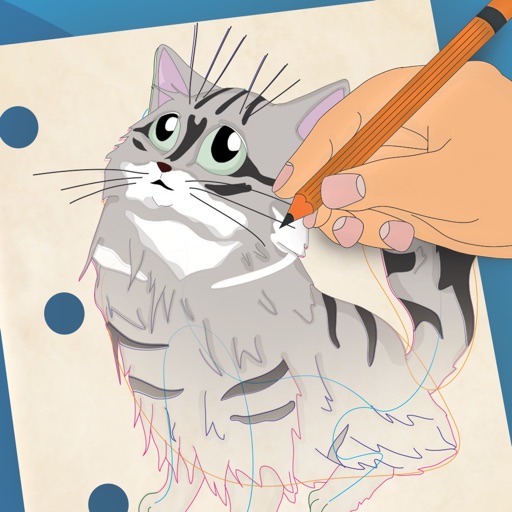
Create and customize artwork by drawing lines on unfinished watercolor illustrations. Adjust colors, add textures, and save or share finished pieces. Access a library of 50+ designs for creative exploration.
And drawing with printable pictures and blank pages for custom artwork. Features include zoom functionality, video replay, and realistic tools. Users can create and share their own drawings.
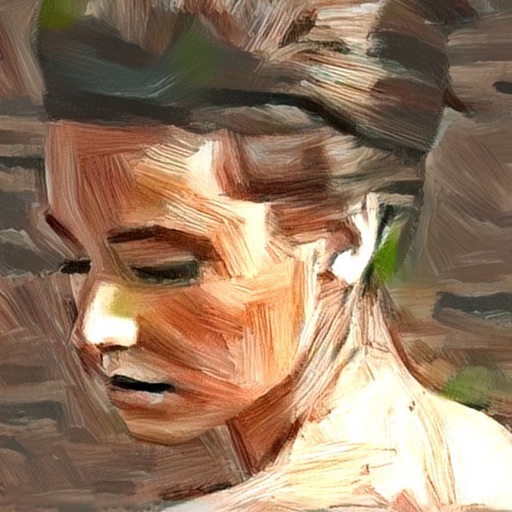
Turn photos into artistic portraits using AI-generated styles inspired by famous paintings. Choose from various art techniques and adjust details. Save and share the final artwork in different formats.
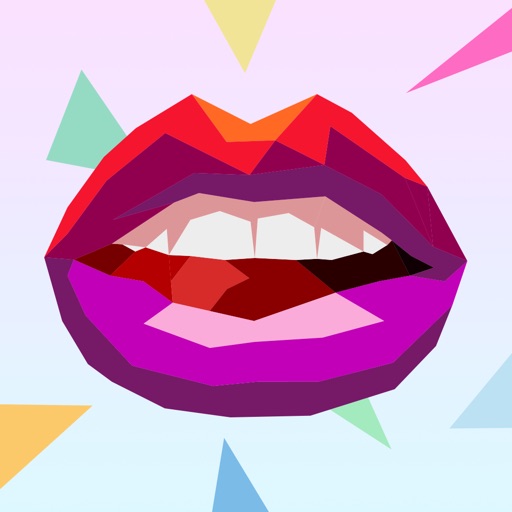
Create drawings using colorful, abstract shapes. Arrange colored polygons to form images. Access a collection of original artwork including animals, vehicles, and iconic masterpieces. Stimulate the brain by solving puzzles without numbers.
By allows users to select and pre-drawn images using numbered sections. Features include a library of artwork, monthly updates, and the ability to save and share completed pieces.
Create art with brushes, glitters, and stickers. Select images from your photo album as a canvas. Erase and redraw freely. Save artwork in a collection book. Share creations directly.
Create templates using AI-generated ideas. Upload illustrations for practice. Draw and refine artwork with precision tools. Save and export designs in various formats. Share creations directly with social media.
Create PDFs by using pre-installed layouts or importing images from the gallery. Convert files between PDF and other formats. Add signatures and customize document formatting. Export and share PDFs directly.
Create that pop with sound, float across the screen, and fall due to gravity. Draw letters, numbers, and shapes with touch input. Interact by touching to move and explore simple drawing features.
Create calming, trippy art by touching the screen to simulate flowing, colorful . Manipulate patterns with single or multiple touches. Explore soothing visuals and sounds to reduce stress and promote relaxation.
Ask questions and receive detailed answers. Create text, images, and code using AI tools. Chat naturally with an intelligent assistant. Organize tasks and set reminders. Access a wide range of AI-powered functions for productivity.
The app offers drawing tools, color options, and frame management for creating animations. Users can export animations to video or animated GIF formats and share them.
Color within mandala patterns using customizable brushes and colors. Save and share completed artwork. Access a variety of unique designs for relaxation and stress relief. Draw freely alongside coloring features.
Watch videos with high-definition playback and customizable playback settings. Access a wide range of content across multiple genres. Receive personalized recommendations based on viewing history.
Create by painting individual pixels. Adjust canvas size, select colors, and customize border settings. Erase, undo, and resize drawings. Save artwork to gallery and storage. Share completed pieces others.
Create and customize a solar system with realistic 3D graphics and physics-based gravity. Add planets, moons, and asteroids. Observe orbital movements and asteroid belt formations in real time. Share creations with others.
Create and customize virtual food items like toast, bagels, and sandwiches with a wide range of toppings. Add ingredients, adjust textures, and design meals. Share creations via social media or email.