Apps Like procreate绘画-sketchbook画画 for iPhone and iPad
Draw, share, and create art anytime
Create and share original art with a wide range of brushes and tools for realistic drawing. Draw geometric shapes like rectangles, ellipses, and circles. Practice handwriting, signatures, and calligraphy. Share creations with a community of artists.
by 林 李★ 1.01 ratingsProductivity$1.99Data updated 2026-09-16
Draw and color characters directly on the screen or with a pencil on paper. Access a public gallery to share art. Follow step-by-step drawing guides. Color pages with solid or gradient colors. Color pixel art by numbers.
Create stickmen using drawing tools and customize appearances. Navigate a storybook world with puzzles and mysteries. Unlock secrets, collect drawings, and share creations. Add sound effects and animations to drawings. Save and revisit progress.
The app applies affine transformations to shapes like circles, rectangles, stars, polygons, and lines. Users can create interesting shapes through translation, rotation, and scaling operations.
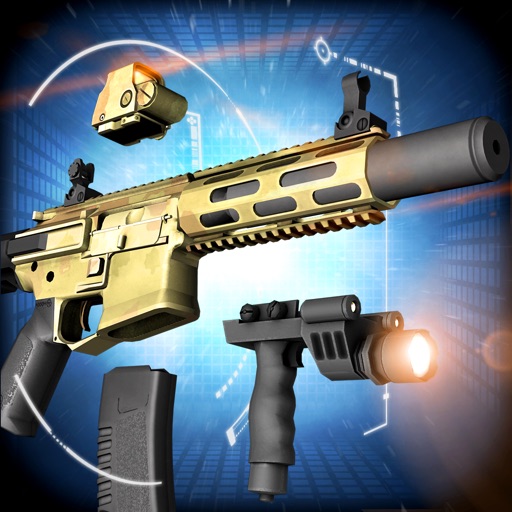
Build and customize weapons with a wide range of parts and attachments. Choose from various camouflage options and adjust optics. Disassemble and rotate weapons using touch gestures in realistic 3D.
Choose from three diverse face chart templates to practice techniques. Select from a wide range of products for natural to full glam looks. Experiment with extraordinary colors including lavender concealer and pink foundation.
The app provides custom-designed drawing tools that simulate real art supplies. Users can share their creations or save them for later, with options for interaction through likes and following.
Create digital artwork with customizable brushes and adjust texture, shape, and paper quality. Import and export images in various formats. Access unlimited brushes and tools for free for 30 hours monthly.
Create art with customizable color palettes and themed book packs. Draw using simple tools suitable for children. Support Apple Pencil. No ads. Save and share artwork.
Solve puzzles by drawing a single continuous to all blocks. Plan ahead to avoid getting stuck. Difficulty increases with each level. No time limits. Track progress through levels. Share achievements with friends.
Create custom images by adding photos as backgrounds. Touch to draw dots and customize designs. Save creations and share via social media or messaging.
Create digital art using AI-powered drawing tools. Explore pre-designed worlds for inspiration. Adjust settings to customize your creative environment. Save and share artwork directly.
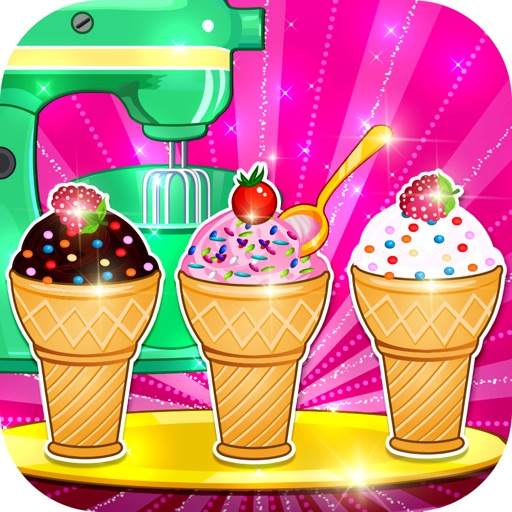
Create ice cupcakes by collecting and using ingredients from a virtual shelf. Mix and decorate cupcakes with various tools and toppings. Save and share completed creations.
Create art with . Choose from nature scenes, portraits, animals, and mandalas. Customize colors, add textures, and save or share drawings. Import images for custom pages. Use layers and brushes for detailed illustrations.
Create art with customizable colors, brush sizes, and opacity. Import photos from camera or library. Save and share designs via social media, email, or SMS. Clear canvas for new creations.
Create and customize outfits for virtual models with a wide range of clothing, accessories, and makeup options. Choose hairstyles and colors, then apply makeup and accessories. Save and share finished looks.
Create eye looks by removing, cleaning, and redoing existing . Design complete eye art using tools like tweezers, brushes, and pencils. Customize eyebrows with wax, dye, and brushes. Select and pose in different hot styles to complete the look.
Create floor plans by drawing with fingertips. Adjust layouts, furniture, and color schemes. Use AR to visualize designs in real-time. Share plans with friends. Measure spaces and sketch walls for accurate planning.
Play and bubble wrap games with realistic touch feedback. Customize colors and ingredients. Listen to sounds for relaxation. Share creations and progress with others.