Draw on a or whiteboard with adjustable brush sizes and multiple paint colors. Create shapes like lines, arrows, circles, and polygons. Add text with customizable font sizes. Import photos and record video directly within the .
by Bita Sobhani★ 4.3137 ratingsProductivityFreeData updated 2026-09-16
Select presets from brands like Prismacolor and Faber Castell. Import reference images to begin color picking. Choose from predefined sets including 150s, 132s, 72s, and 48s.
Create and color images of characters, animals, and vehicles. Choose from 9 unique brushes for different effects. Record drawings as animated clips. Edit and share artwork. Switch between and free drawing modes.
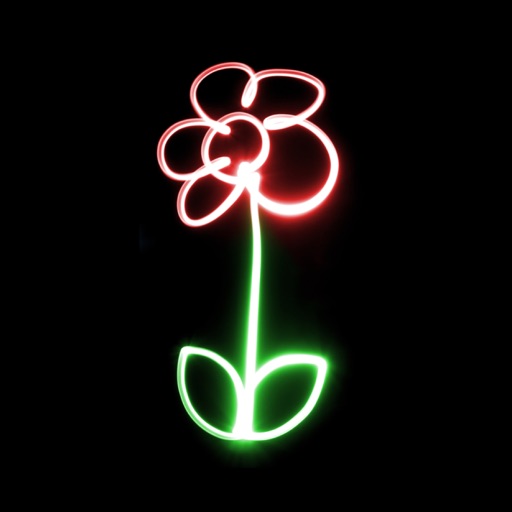
Create glowing neon paintings from photos. Save artwork to Photo Library. Email postcards globally. Supports New iPhone and iPad. Use multiple undo levels. Mix colors for unlimited options. Adjust brush size and glow intensity.
With 12 colors, each offering 3 line sizes, 3 sparkling line sizes, and a bucket. Add cute monsters, rainbow effects, stars, and hearts with animated effects. Continue drawing on previous artwork. Includes calming music and no data collection.
Create and customize a by drawing and planting flowers. All doodles grow into colorful plants and mushrooms. Choose from over 60 plant types. Add sparkles and decorative elements. Share completed designs.
The app provides a painting, drawing, and coloring tool for children. It features 26 objects for coloring, allowing kids to use their fingers to draw and paint with chosen colors.
Record and organize ideas with sketching, writing, and note-taking features. Sketch digitally, add text, and collect visual references. Sync across devices and access projects anywhere.
Create diagrams and flowcharts using shapes like rectangles, circles, and arrows. Draw freehand or use geometric figures. Collaborate in real-time on an infinite canvas. Export diagrams in multiple formats.
Allows users to draw grids over images for precise copying, scaling, and tracing. Features include adjustable sizes, reference image overlay, and zoom capabilities. Users can export drawings and share files directly.
Edit images by on photos and adding text. Choose from 45 colors and five pen thicknesses. Use zoom editing and undo functionality. Share edited images via email, Twitter, and Facebook.
Create and share sketches with realistic brush strokes and modeling effects. Study forms, shapes, and architecture. Save drawings to photo library or social media platforms like Twitter, Facebook, and Sina Weibo.
Create detailed technical illustrations and artistic designs with vector editing tools. Draw, reshape, and color elements with precision. Import and export files in multiple formats. Use layers, masks, and effects for advanced design work.
Access -themed pages and drawings. Create and customize artwork with easy-to-use tools. Share finished drawings via the . Includes a pixel art workshop for detailed designs.
The app allows users to recolor photos and apply color effects. Users can choose from 66 vivid colors or black and white to decorate images, with options to adjust brush size, intensity, and translucence.
The app is a word puzzle game with two classic themes. It offers multiple word lists including standard English, food, family, body parts, colors, animals, and more.