Create 3D images using one or two devices. Capture photos simultaneously with two devices. View 3D images by crossing eyes. Includes tutorial for cross-viewing technique. Preview 3D images before finalizing. Share 3D photos directly.
by Kevin Anderson★ 4.851 ratingsPhoto & VideoFreeData updated 2026-09-15
AI enhancement adds warmth, depth, and emotion to images. Apply cinematic moods, atmospheres, and elegant portraits with one tap. Adjust skin tones, add soft lighting, and refine textures for realistic results. Share edited photos directly.
The app displays selected pictures directly on the desktop, floating and optionally borderless. It can also show images from connected cameras or live webcams, updating them automatically.
Remove unwanted , people, text, or distractions from photos. Use AI to automatically elements with a tap. Edit images by selecting areas to delete and refine the result. Save and share the cleaned-up photo directly.
Capture photos and videos with embedded timestamps and GPS location. Adjust compression levels for storage optimization. Pause video capture, zoom, and use intuitive controls. Share directly from the .
Provides even lighting for photography subjects and transparencies. Select predefined colors or create custom ones with RGB sliders. Capture images to identify RGB values. Adjust opacity and brightness. Enable full screen mode by tapping the screen.
Two iPhones or iPads to take group photos and selfies remotely. Capture multiple shots in one, three, five, or eight frames. Use the back for professional-quality selfies. No internet required for wireless connections.
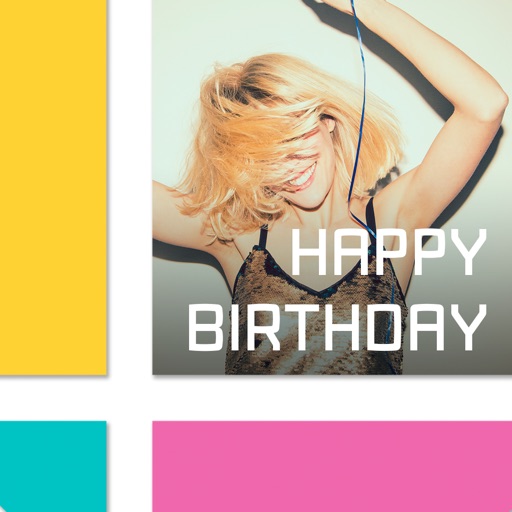
Edit photos into customizable grids with layout options, shapes, and frames. Add text and messages. Apply filters and effects. Stitch multiple images into a single composition. Export and share edited collages.
Remotely control X Series cameras to capture time-lapse videos in RAW format. Set advanced self-timers with customizable delays and intervals. Adjust waiting and capture sounds. Capture selfies, real-estate, travel, and group photos.
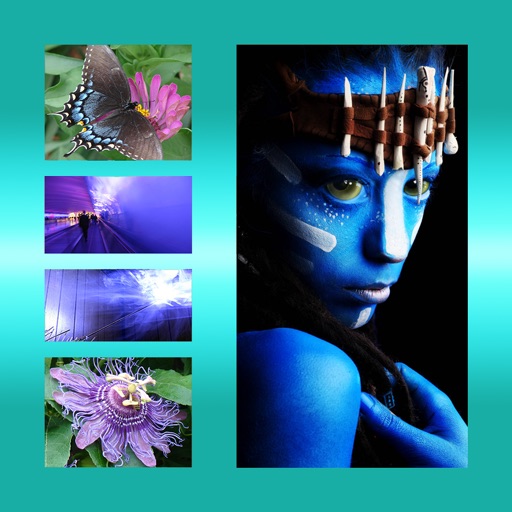
The app allows users to combine multiple photos into one framed picture. Users can adjust contrast, brightness, and saturation, add text, and apply effects.
The app allows users to create 3D photos and videos by capturing two images or recordings of the same subject. It supports various 3D viewing methods, including anaglyph and split-screen formats, and offers options for static or moving objects.
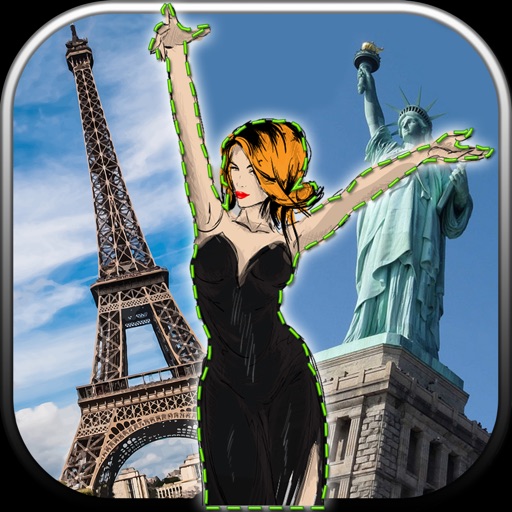
Edit photos by removing unwanted backgrounds and replacing them with scenic images. Cut out subjects and paste them onto new backgrounds. images for seamless montages. Share edited photos directly.
Edit photos with crop, rotate, and filter tools. Adjust brightness, contrast, and color. Add text, stickers, and draw on images. Apply blur, focus, and special effects like magic and splash. Export and share edited photos.