Create long drawings with customizable styles, text, and background colors. Edit photos using filters, stickers, and matting tools. Cut images into various layouts for sharing. Design custom stickers and save screenshots or tutorials.
by 明 陈★ 4.77 ratingsGraphics & DesignFreeData updated 2026-09-15
Edit photos and videos with one-tap filters or manual sliders for exposure, saturation, and color balance. Swipe up to access advanced adjustments. Export edited media in various formats and share directly.
Create end for videos with customizable text and styles. Add rolling text with simple taps. Choose from various styles and fonts. Export as or image. Sync with editing software.
Use AI-powered makeup and filters tailored to face shape and skin tone. Apply stylish stickers and templates to customize photos. Edit images with retouch tools and share directly.
Create cards and templates. Choose from thousands of free templates. Customize colors, fonts, and layouts. Add text, images, and logos. Export cards in various formats and share digitally.
The app creates black and white photos from the photo library or directly using the iPhone camera. Processed photos are saved in original size with a polished user interface.
ITWORKED YAZILIM IC VE DIS TICARET LIMITED SIRKETI
Logos, icons, and brand visuals with AI
Generate custom logos and icons based on text input. Choose from multiple concepts. Edit colors, fonts, and styles. Export in various formats and share directly.
Create stickers by adding text or emojis, applying art filters, or cropping images. Customize borders with varying thickness. Share stickers directly in messaging apps.
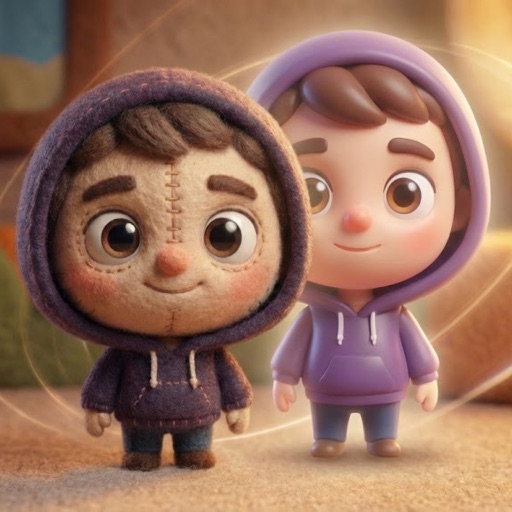
Convert photos into AI-generated cartoons, caricatures, and artistic portraits. Choose from 15+ styles including 3D characters, clay motion, paper cut-out, pixel art, and marble sculpture. Edit and export results directly.