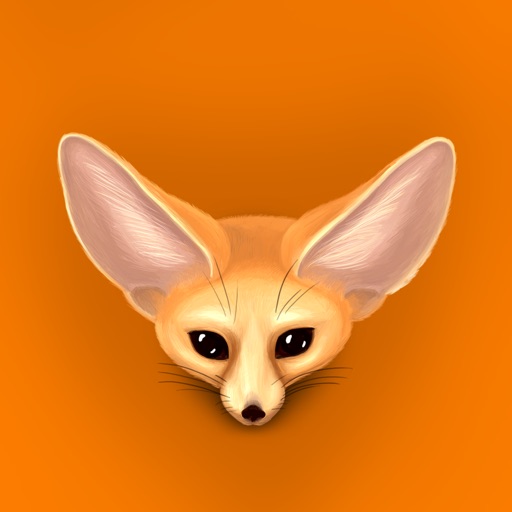
Add stickers to messages by opening a chat, tapping the button, and selecting a sticker. Send stickers directly to friends or messages. Restore purchased stickers on another device through the same purchase.
by Abay Imanberlin★ 3.471 ratingsStickersFreeData updated 2026-09-15
Send and receive animated stickers in iMessage. Choose from 96 unique high-quality stickers. Includes 16 free stickers. Purchase to unlock all. Add emojis and text to messages. Share stickers with friends. Customize sticker size and position.
Use animated and static eel stickers to customize messages. Select from 26 animated options including spotted, splendid, yellow, and banded eels. Add 32 static stickers. Share directly on social media platforms.
Send animated and static stickers via iMessage. Choose from over 25 animated and 25 static options. Receive regular updates with new sticker additions. Add playful and cute fox-themed expressions to conversations.
Use stickers featuring the , a winged serpent from Cherokee lore. Add stickers to messages, customize with colors and text, and share across platforms. Includes animated and static designs.
Create custom stickers with facial expressions and text. Add effects and animations. Share stickers via iMessage or FaceTime. Edit and preview stickers within the . Save and reuse sticker templates.
Unlock animated stickers with custom text additions. Use 24 free stickers or purchase the full set of 96. Add text to stickers for personalized messages. Share stickers in chats and messages.
Use 68 pre-designed stickers to add visual expressions to messages. Choose from a variety of themes and styles. Tap to send stickers directly to contacts. Customize sticker size and position before sending.
Add stickers to iMessage conversations. Choose from a selection of memes and emoticons. Purchase to unlock additional stickers. Use purchased stickers indefinitely. Share stickers directly in messages.
Send and customize in text messages. Choose from a variety of and sticker options. Add to conversations. Share with contacts. Edit sticker size and position. Save favorite for quick access.
Use Japanese-inspired emoji stickers to enhance messages and conversations. Tap to view author info, share stickers, or access label details. Add expressive visuals to chats and social media posts.
Add stickers featuring characters like Kermit, Miss Piggy, and Fozzie Bear to iMessage conversations. Select and send stickers directly from the iMessage interface. Browse and download additional sticker packs from the drawer.
Add animated stickers to messages in chatrooms. Tap to insert stickers into message bubbles. Drag stickers onto messages or other stickers. Rotate and scale stickers using a second finger.