Create digital artwork with realistic painting and drawing tools. Use exclusive brushes mimicking real-world art mediums. Simulate fluid watercolor effects. Adjust brush settings for precision. Export artwork in various formats.
by Lofopi Ltd★ 4.628,580 ratingsGraphics & DesignFreeData updated 2026-09-15
With AR to images or text on real surfaces. Use guided frames for beginners. Create sketches and color them. Export artwork in various formats. Sync projects across devices.
Edit photos with multiple layers, blending modes, and masking. Adjust colors and brightness using adjustment layers. Apply brushes, smudge, warp, and effects. Add shadows and clarity. Export and share edited images.
Create art with customizable drawing tools and templates. Access packs for calligraphy, mandalas, and artist-inspired paintings. Choose from themed categories like Ink. Practice drawing techniques and explore creative exercises.
Create art with a wax simulator that mimics real-life drawing. Adjust stroke size based on finger contact area for precise control. Draw thin lines with fingertips or broad strokes with full finger pressure.
Design with precision, edit vector graphics, create
Create illustrations, branding, logos, and UI/UX designs. Edit vector graphics and raster images. Apply filters, adjust colors, and add text. Export in multiple formats and share directly. Sync with desktop versions for seamless workflow.
The app transforms photographs into artwork using an automatic painting tool. Users select a paint style and apply it to their photo, with options for brush size, stroke variation, and color tone.
Can and color with tools like pencils, brushes, and crayons. They can create paintings of animals, fruits, and vehicles. Includes pages for princesses and toddlers. Features a drawing book and creative doodling options.
Create art by blank pages or using provided templates. Choose from hundreds of pages in different styles. Access high-definition images and textured materials. Save and share completed artwork.
Create digital art or doodles on photos with advanced painting tools like 3D-Shaded , Halo , Plasma Chain , and Translucent . Use Lighten and Darken tools to add depth. Adjust stroke size based on finger pressure. Export artwork in various formats.
To with structured tutorials and daily practice exercises. Follow step-by-step guides to create illustrations. Access a variety of drawing tools and customize your workspace. Save and review progress to track skill development over time.
Create and edit drawings using augmented reality. in real-time with touch or stylus. Adjust colors, brush sizes, and opacity. Share drawings directly or export as images.
Use AR to sketch and paint on paper. Select images from the built-in gallery. Position paper on a flat surface for accurate drawing. Draw over projected images with precision. Save and share artwork directly.
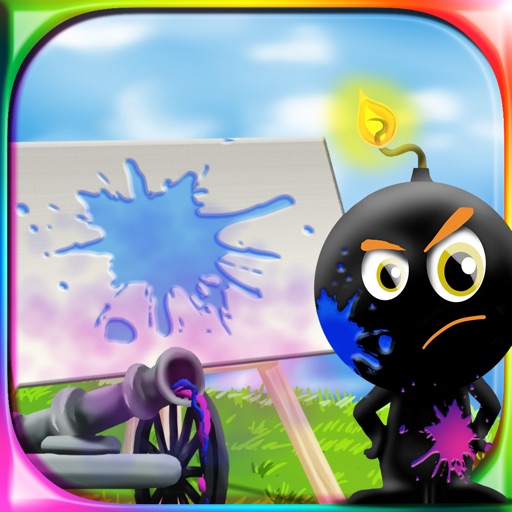
The app provides a drawing experience for all ages. Users aim and shoot colored cannonballs to create artistic splashes on a canvas and use brushes to draw.
Allows users to paint and the Family using rainbow brushes and glitter pencils. Includes 200+ pages with themes like animals, cars, and dinosaurs. Features mandala drawing games and interactive activities.