Create and annotate visual ideas with drawing and writing tools. Use color and line thickness for emphasis. Collaborate in real-time during presentations. Organize thoughts and plan projects on a clean, distraction-free workspace.
The app provides drawing tools including airbrush, pen, pencil, line, rectangle, and ellipse. Users can control tool color, size, and transparency, and manage layers with transparency and visibility settings.
Children can select animal-themed pages to or draw. They can customize colors, add patterns, and save their artwork. Features include a variety of like dogs, birds, and elephants, and the ability to create and share their drawings.
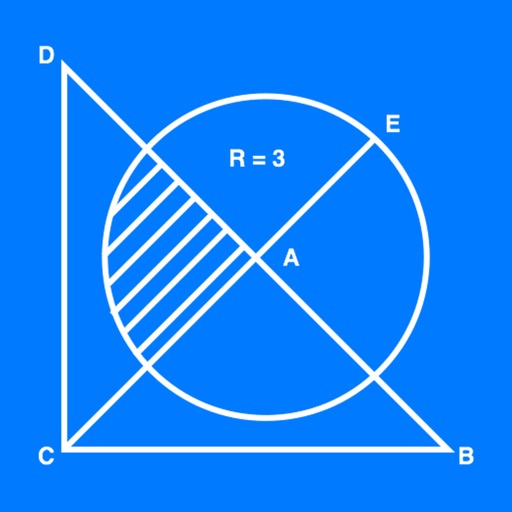
The app allows users to create geometrical figures, points, circles, and polygons. It can also create parallel lines, perpendicular lines, lines with a given angle, midpoints, and intersections.
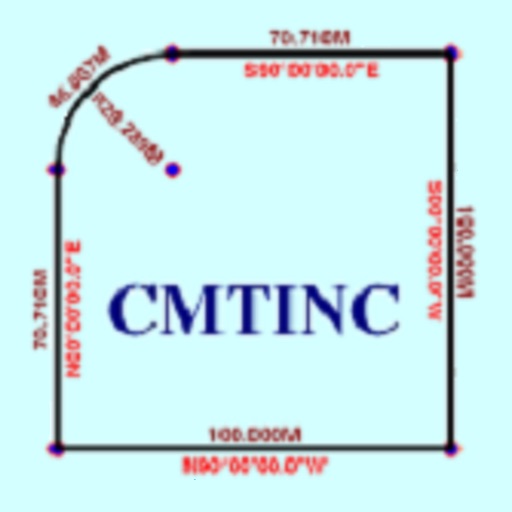
The app converts real property descriptions into boundary maps. Users enter angles and distances to draw property boundaries, displaying closure error, total area, and perimeter.