Sections of images by highlighting horizontal or vertical areas and removing them. Join remaining parts to create a clean image. Adjust size by dragging or toggling orientation. Save the edited image after cropping.
by Too Much Smart, LLC★ 4.918 ratingsPhoto & VideoFreeData updated 2026-09-15
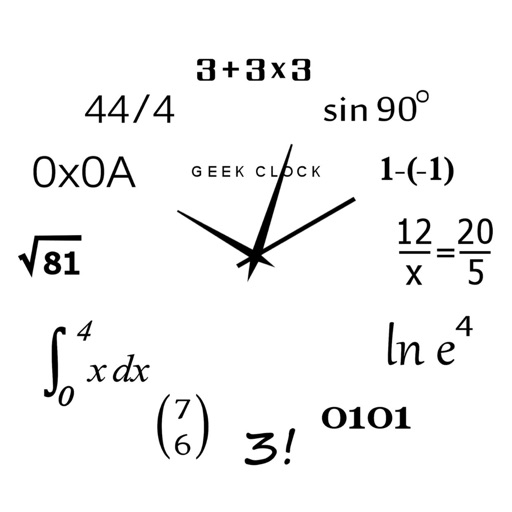
Display time using math problems instead of numerals. Switch between horizontal and vertical layouts. Toggle day and night themes. View animated quotes related to culture. Solve equations to reveal time.
Edit photos with blur background settings, shattering effects, and color frames. Add overlays and crop, rotate, or flip images. Import from gallery or camera, and share edited photos to social media.
Manage land operations with mapping tools, livestock tracking, and productivity records. Track finances, equipment inventory, and crop insurance policies. Create task lists and monitor assets using camera-based inspections.
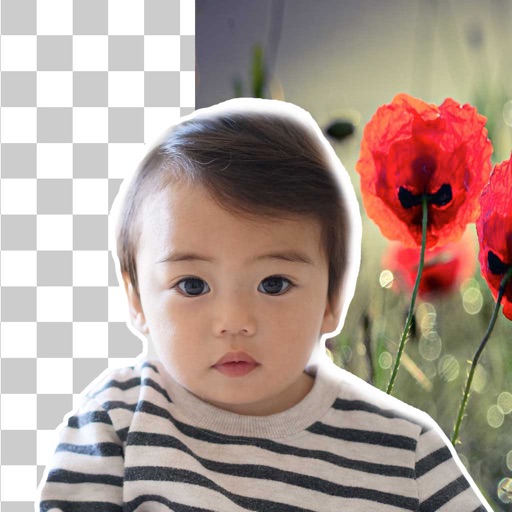
Remove backgrounds from photos using brush tools with adjustable size and hardness. Erase selected areas with undo and redo options. Add text with customizable font and formatting. Place edited photos on various templates.
Allows users to straighten and deskew images by aligning source quadrilaterals. It supports adjusting double quads for precise control. Users can distort, rotate, or tilt horizons in images.