
kirakira+
bytes inc.
Capture light, add effects, share photos
Capture photos and videos with a Glitter effect for enhanced visual appeal. Edit media from the gallery. Create kirakiragraphs from still images. Swipe left or right to navigate.

Showing 21–40 of 1,000 ranked alternatives.
bytes inc.
Capture light, add effects, share photos
Capture photos and videos with a Glitter effect for enhanced visual appeal. Edit media from the gallery. Create kirakiragraphs from still images. Swipe left or right to navigate.

Masaharu Tsukamoto
Apply filters in real time
Apply filters resembling imaging in real time. Capture photos with enhanced visual effects. Record videos using iOS screen recording. Adjust settings for filter intensity and exposure. Share edited content directly.


Maksim Tolstov
Play , set time, stop automatically
Set a to stop and turn off the screen after a selected duration. Control playback from the , adjust brightness to minimum, and prevent screen during the .


Mireia Lluch Ortola
Send with custom frames and audio
Personalized by selecting photos or from your gallery and applying favorite frames. Adjust images with zoom, rotation, and movement. Choose background music or mute the video. Save and share the final video through social media apps.

Mireia Lluch Ortola
With frames and audio
Personalized by selecting photos or from the gallery and applying favorite frames. Adjust images with zoom, rotate, and move gestures. Choose background music or mute the video. Save and share the final video through social media apps.


Pankaj Goswami
Edit photos with advanced masking tools
Edit photos with filters, masking tools, and multiple filter layers. Apply selective filters using advanced masking to create effects like color splash or tilt shift. Adjust and combine filters for custom results.

Tech Positive Inc.
Split photos into swipeable panoramas
Split photos into 2 to 9 sections without quality loss. Preview swipeable panoramas before posting. Share split images directly to using the "Select Multiple" feature.

Routes Software SRL
Stabilize videos in real time
Stabilize videos by selecting from the photo library and adjusting settings in real time. Apply algorithms to reduce shaking. Export stabilized videos directly to the device.

Joachim Mertens
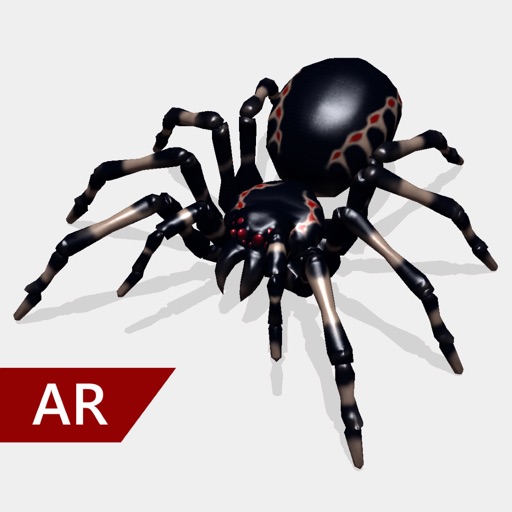
Record and send spooky spider videos
Create and share realistic scary videos featuring interactive . Choose from five spider types and adjust their size. Step on the ground to scare or let them attack. Apply nine full-screen filters to enhance the effect.

Huafang Zhang
Creative retro fisheye camera effects.
The app provides fisheye photo and video capture with live preview. Users can add vintage film looks, colorful ring flash effects, and a GPS watermark to document captured moments.



out thinking electronics private limited
Edit videos, cut clips, add effects, add
Trim clips by selecting specific regions. Apply filters and add background music. Save edited videos to the camera roll. Share videos to YouTube, Viddy, Instagram, email, and WhatsApp.
Apps are ranked by functional similarity, category fit, rating confidence, and popularity.