
Sleep Music Timer
Play , set time, stop automatically
Maksim Tolstov
iPhone Screenshots

Description
Set a to stop and turn off the screen after a selected duration. Control playback from the , adjust brightness to minimum, and prevent screen during the .
This app allows you to fall asleep with favorite music. It stops music after selected time for device battery saving.
How it works:
1. Open music player and start music. For example, default iPhone player.
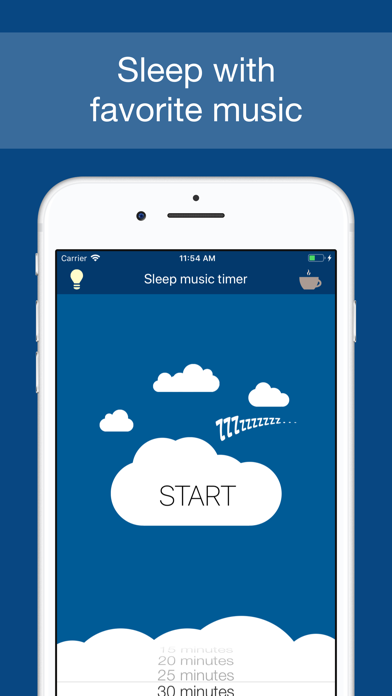
2. Return to this app, select time and press 'START' button.
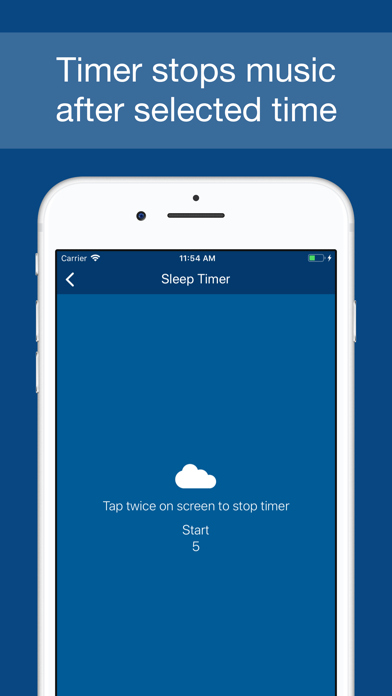
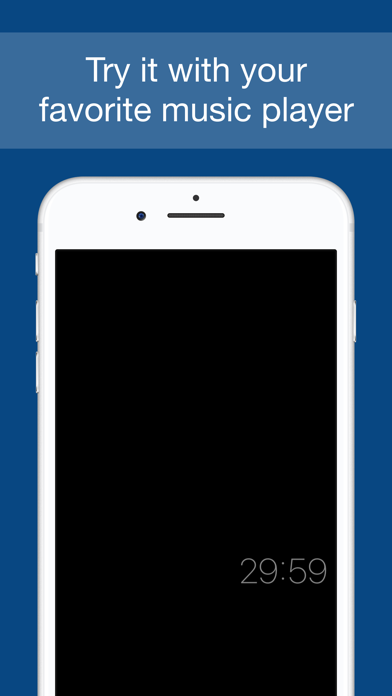
3. Don't quit from app! Display will work on minimum brightness.
4. Music will be stopped and display will be turned off soon when timer fires.
No ads! Enjoy!