Apps Like Magic Mirror Photo Editor for iPhone and iPad
Create effects and apply frames
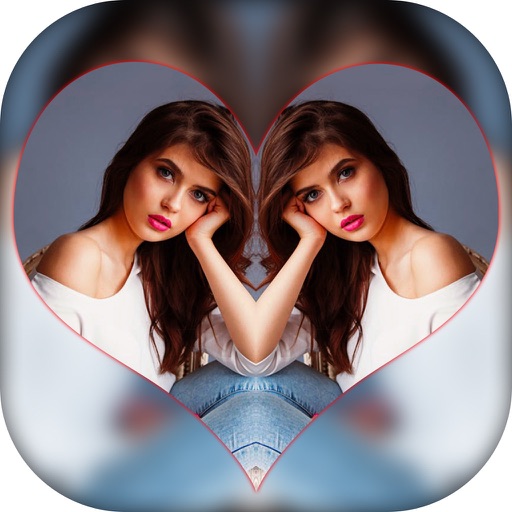
Create effects with left-right, up-down, reflection, and repeating options. Apply effects and designer frames to enhanced images. Edit and share -style photos with additional customization features.
by Nalin Savaliya★ 0.00 ratingsPhoto & VideoFreeData updated 2026-09-15
Create surreal videos with reality distortion effects and cinematic . Apply effects in real-time during recording. Capture stills with the same effects in standard or square format. Add mirror reflections for symmetrical transformations.
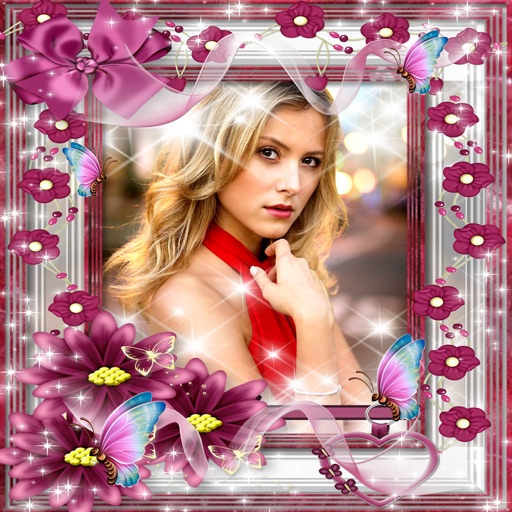
Take photos with customizable nature-themed featuring butterflies and blossoming flowers. Edit images by matching them to . Create unlimited albums and share creations with friends.
Edit photos and selfies with AI-powered art filters and effects. Choose from over 40 art styles to create fine art paintings. Share edited artworks on social media with the # hashtag.
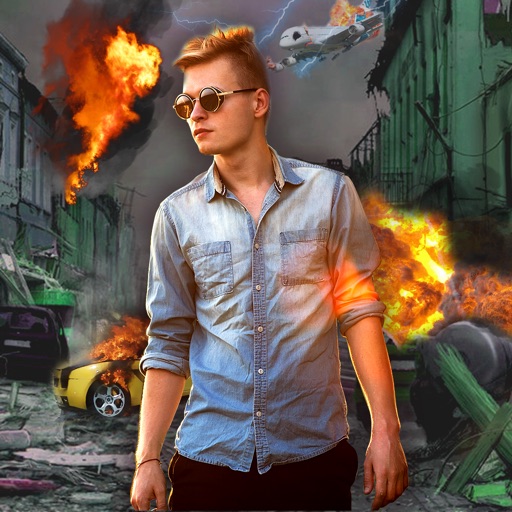
Edit photos with -themed effects like explosions, bomb blasts, and action stickers. Apply customizable FX frames and VFX filters. Decorate images to resemble posters. Share edited photos directly.
Capture photos and videos with real-time filters applying effects during recording. Adjust filter position by tapping, swiping, or pinching. Edit videos with multiple filter styles ranging from funny to artistic. Share edited content directly.
The app allows users to create patterned paintings and drawings using touch. It explores symmetry, color, and pattern effects, with options for mirror effects and animation.
Record live videos of yourself and apply styles in real-time. Choose from various types and colors for realistic effects. Share edited videos directly or save for later.
Transfer video streams via without needing physical connections. Capture photos or videos and retrieve them through the . Used for toys, aerial photography, monitoring, and industrial inspections.
Create graphics from a single . Apply 3D parallax effects for realistic depth. Use exclusive overlays to enhance images and videos. Access a library of audio tracks to complement projects. Subscribe for additional features.
Edit photos with brightness, saturation, and contrast adjustments. Add text, stickers, and memes. Crop, rotate, and straighten images. Apply effects and frames. Sharpen or blur photos. Import images from the camera roll. Fix red tones.