
Apps Like Draw A Pixel for iPhone and iPad
Draw A Pixel screenshots
Ranked alternatives
Showing 161–180 of 1,000 ranked alternatives.
AR Drawing - Sketch Drawer
CTC TECHNOLOGY LIMITED
Draw, paint, and trace with AR
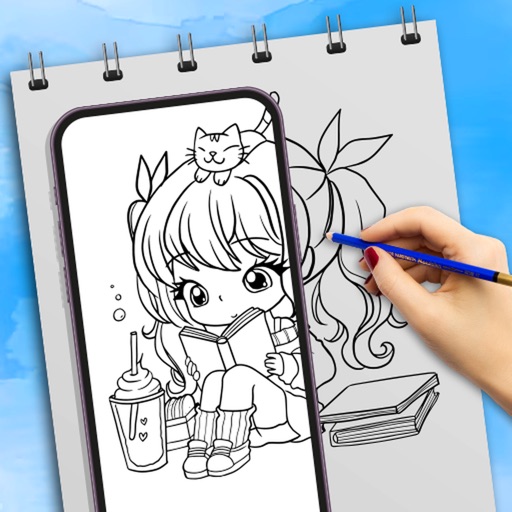
Use camera to draw and paint in augmented reality. Access tracing templates for animals, cars, nature, food, anime, and more. Adjust brush size and color. Save and share artwork directly.


Draw Lab - Drawing on Pictures
勇强 温
Edit images with advanced tools
Edit photos with tools like Pen, Line, Arrow, and Rectangles. Apply filters, effects, and enhancements. Add text, stickers, and adjust lighting and color. Remove blemishes and red-eye. Crop and resize images.


BitCam
Heliographe, Inc
Capture photos in pure black and white
Capture photos using a 1-bit camera with only black and white pixels. Choose from three pixel resolutions and an 8-color mode. Features chunky buttons, mechanical sounds, and clean PNG output for printing or further use.

iDesign
TouchAware Limited
Precision 2D vector drawing design.
The app provides 2D vector drawing and design for iPad and iPhone. It offers unique offset controls for precise finger-based editing and supports iCloud synchronization with its Mac version.
Draw Every Day
Sam Bleckley
Daily, save your art, get a new
Provides a daily blank canvas and prompt for ink drawings. Users have 24 hours to complete each drawing, which is then saved and replaced with a new prompt. Progress is tracked over days and weeks to show improvement over time.

Pixels Free - Drawing and Painting with Brushes
SUNG CHEOL KIM
Create images with many brush types.
The app offers a fullscreen workspace with support for device orientation and multiple canvas sizes. It includes 145 brush markers, layers, zoom functionality, and brush configuration saving.

Halloween kids coloring book
FLUOMIND
Color pages and create pixel art
Access -themed pages and drawings. Create and customize artwork with easy-to-use tools. Share finished drawings via the . Includes a pixel art workshop for detailed designs.


Yam Pad Mini - Drawing Tablet
Yamstu Inc.
Draw on iPhone with Mac support
Use iPhone as a connected via USB to mirror Mac screen. Draw with Wacom stylus and 3D Touch. Control canvas with touch gestures for zoom, scroll, undo, and redo. Connect securely for real-time screen mirroring.

Pixel Art Effect
Danny Pajevic
Convert photos to art video
Convert photos into art with adjustable density and six design options. Choose from four styles and control edge thickness. Export the result as a video or animated GIF.
How we rank alternatives
Apps are ranked by functional similarity, category fit, rating confidence, and popularity.