Apps Like Retro Camera - Photo Editor for iPhone and iPad
Edit photos with effects and filters
Edit photos with vintage filters, effects, and customizable frames. Add text and stickers. Crop and adjust images. Save and share edited photos directly.
by Danijel Cvetkovic★ 3.52 ratingsPhoto & VideoFreeData updated 2026-09-14
The app offers numerous standard layouts and artistic filters, including B&W and vintage effects. Users can adjust exposure, contrast, saturation, and white balance for their photos.
Create artistic images with single-tap camera effects and professionally designed filters. Adjust brightness, contrast, and tone curve. Blur and focus images. Rotate, crop, and resize photos. Add text and fun stickers.
The app offers photo editing tools including filters, effects, and adjustments for brightness, contrast, and saturation. Users can add text and stickers to their images before sharing them.
Edit photos with customizable wing designs and shape transformations. Add filters, adjust brightness and contrast. Save and share edited images directly.
Edit photos with filters inspired by 70s, 80s, and 90s film cameras. Add light leaks and dust overlays. Adjust brightness, contrast, and saturation. Save edits in various formats and share directly.
Post photos and videos without cropping for Instagram. Add blur backgrounds automatically. Resize, rotate, and zoom content within the square. Apply effects, filters, stickers, and text. Select no layouts. Support 1080P video. Save in high quality.
Edit photos with background erasing and changing tools. Blur backgrounds and apply portrait beauty effects. Add realistic filters and effects with one tap. Share edited photos directly. Join a community for editing tips and feedback.
Photo montages, collages, and custom . Edit images by erasing, changing, or adding backgrounds. Cut people from photos and place them on new images. Add personal photos and decorate with fun .
Edit photos by applying -themed frames from a collection. Select images from the camera or gallery. Add text to personalize messages. Share edited photos directly.
Edit photos by selecting from gallery or camera. Cut out the main subject with tools. Replace the using gallery images or built-in options. Save and share the edited .
The app allows users to enhance photos with effects, stickers, and drawing tools. Users can also search and download pictures from various platforms and share their edited images.
Edit photos with texture overlays and film effects. Add retro vibes, glitches, and grain. Adjust brightness and contrast. Export and share edited images directly.
Edit photos with AI cartoon filters, -to-sketch conversion, and mosaic art creation. Remove backgrounds, add drip art, and create collages. Save and share edited images directly.
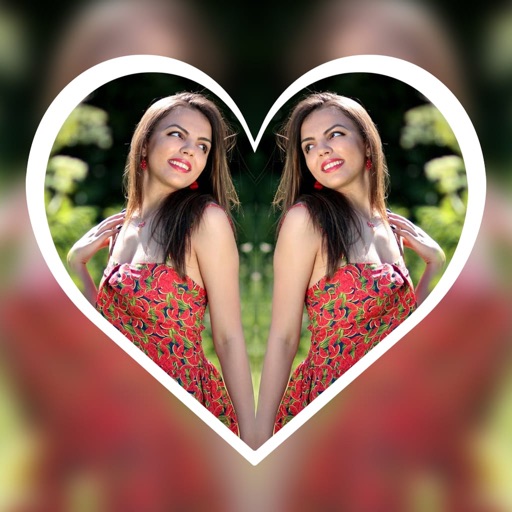
Create reflection effects with left-right, up-down, or repeat options. Apply effects and designer frames to enhanced images. Select from gallery or capture new photos for editing. Export and share edited images.
Edit photos with AI filters, cartoon styles, and restoration tools. Enhance image details and convert blurry or damaged photos to HD. Apply over 200 AI templates to generate creative photos. Upload selfies to try different styles.