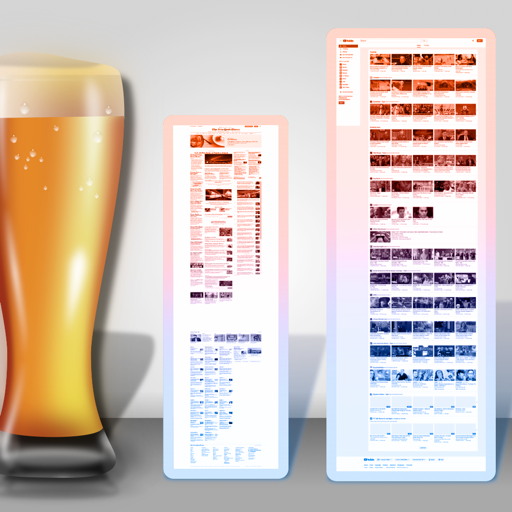
Browse web pages to set as wallpapers. Select from HTML and CSS content. View in table or list format. Take screenshots for wallpaper use or save to photo roll. Full screen mode with customizable backgrounds. Save image links for easy access.
Resize images in pixels, millimeters, centimeters,
Resize images by specifying dimensions in pixels, millimeters, centimeters, or inches. Maintain aspect ratio by linking width and height fields. Save, email, print, or share the resized .
Transform screenshots into professional social media posts
Convert screenshots into professional social media posts by importing images, selecting platform-specific sizes, adding customizable backgrounds and frames, and exporting in high quality. Share directly without watermarks or ads.
Together vertically or horizontally. Combine chats, web pages, or side-by-side images into one image. Redact private information before sharing. Save and share the combined image directly.
Create professional store screenshots for iOS. once and export all required sizes for iPhone, iPad, and tablets. Include localization, panoramic backgrounds, 3D devices, and rich text with emojis. No account required.
Automatically stitches consecutive screenshots from the . Users can export high-definition stitched screenshots with one click. The recognizes and combines screenshots quickly for seamless long-screen captures.
Create color schemes using a fast generator. Organize palettes into projects and collections. Export as image or PDF, or share via link. Select colors from photos. Choose layouts to create collages with photos and palettes.
Take long screenshots by sliding across the screen. Crop and edit images to refine the shot. Supports WhatsApp, Instagram, websites, and other apps. Includes video tutorials for guidance.