AR camera allows users to capture photos with Gunshow-kun and his friends using QR codes and barcodes. Scan items related to Jinjisha Island to collect photos. Share photos on SNS to expand collection.
by UNIVERSAL WORKERS, K.K.★ 0.00 ratingsPhoto & VideoFreeData updated 2026-09-14
Capture photos with retro film filters and camera styles. Import images or videos to apply classic effects like Koda F, Polaroid, and 90s DV. Adjust exposure, contrast, and color to match desired film tones. Share edited content directly.
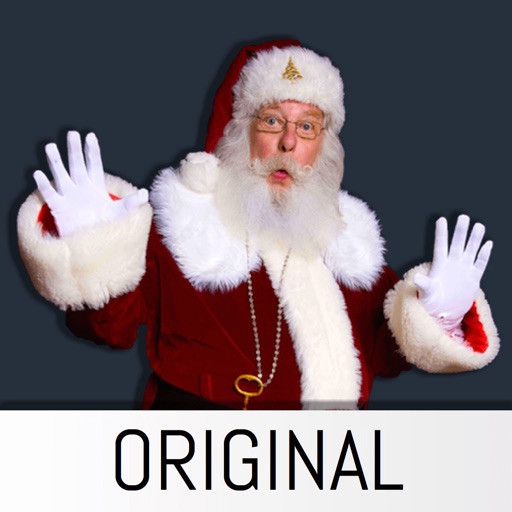
The app allows users to insert Santa stickers into photos. Users can create custom scenes for various holidays and events, save, and share unlimited pictures.
Capture photos using a simulated disposable interface. Adjust focus manually with a dial. Mimic real mechanics for authentic shooting experience. Save original images with premium upgrade. Automatically save photos. Remove ads with premium upgrade.
The app allows users to create photos and movies using green screen technology. It supports high-resolution video and photo capture, with a timeline editor for layering and trimming content.
Take black and white photos with live preview. Use colored lens filters and professional conversion filters. Adjust contrast, brightness, and exposure in real time. Add film grain and black vignetting.
Create movies and slideshows using photos and videos with background music. Apply filters, effects, and stamps to photos. Preview and share videos directly. Watch shared movies in a feed, follow friends, and view trending content.
Offers manual camera controls for iPhone and iPad. Users can adjust exposure, focus, and white balance. Capture photos in ProRAW and ProRes formats. Record videos with advanced settings. Access DSLR-like features for precise image adjustment.
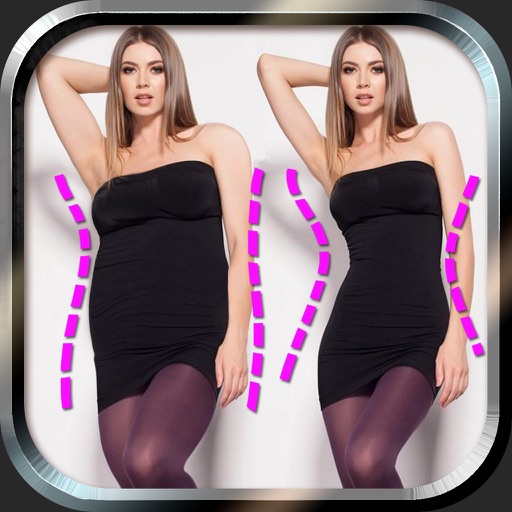
Edit photos to and body using auto-detection. Adjust and body thickness with sliders. manual edits and undo changes. Compare original and edited images. Save results to albums and share via email or social media.
Capture photos with durations from 1 to 30 seconds. Adjust settings manually. Preview images in real time. Save and share photos directly. No tripod required for stable shots.
Hide photos using password protection and biometric unlock. Set custom folders and access permissions. Compare privacy features and manage storage without data collection or picture access.
Apply HDR to photos to enhance light and detail ranges. Adjust exposure, contrast, and color balance. Export edited images in high quality. Share directly to social media or messaging apps.
Capture photos and videos using connected cameras or device cameras. Adjust settings manually or use automatic modes. Share images directly to social media or email. Print photos on-site or save to cloud storage.
Capture 360° photos using compatible cameras and upload them directly. Document site progress in 360° format. Share updates with stakeholders. Manage data access with multiple permission levels.
Edit RAW photos with color and tone adjustments. Import and process RAW files from cameras or storage devices. Organize and manage libraries. Capture pro-grade RAW images with manual controls.
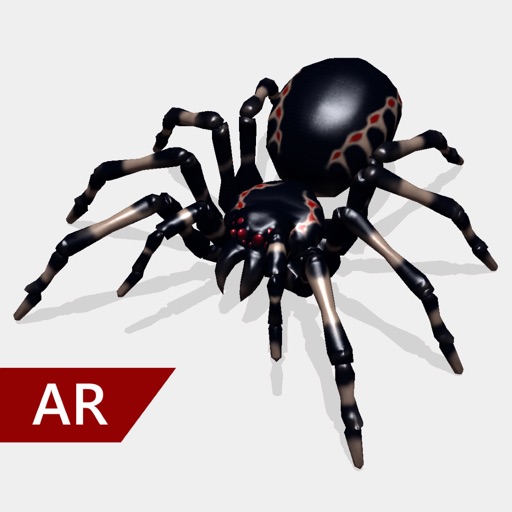
Create and share realistic scary videos featuring interactive . Choose from five spider types and adjust their size. Step on the ground to scare or let them attack. Apply nine full-screen filters to enhance the effect.
The app allows users to create slideshows using photos and videos from their camera roll. Users can select themes, edit media, and add music to produce slideshows for various occasions.
Remove backgrounds from photos using AI. Select images from the gallery, automatically detect and cut around people or objects. Save as transparent PNG or replace with HD backgrounds. Edit and share edited photos directly.
Create and edit digital art with brush tools, layers, and color blending. Import photos and sketches. Adjust brightness, contrast, and saturation. Add text and shapes. Export artwork in various formats and share directly.