Create and manage video clips from YouTube videos. Assign tags, favorites, and search by keywords. Loop play videos, skip to key parts, and share clips with friends. Backup clips via email. Access recently viewed content and curated featured lists.
by Solvepoint Corporation★ 5.017 ratingsEntertainmentFreeData updated 2026-09-14
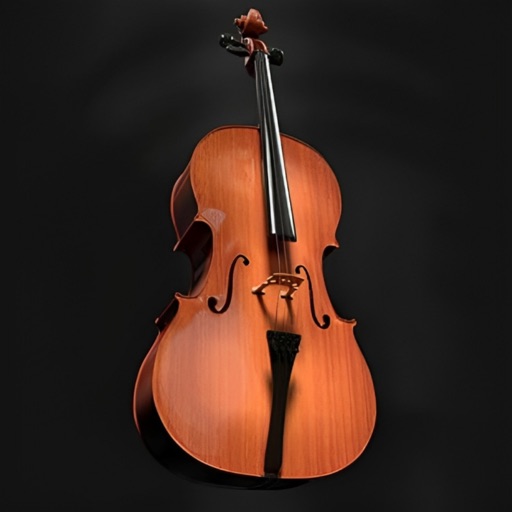
Learn basics with lessons on parts, holding techniques, and fundamental playing methods. Watch video tutorials for bowing, fingering, and tone production. Access sheet music for different skill levels and view maintenance guides for care.
Watch live TV channels and on-demand content. Access thousands of films, TV shows, and podcasts. Stream Internet from around the world. Search and play personal videos without syncing. View content in multiple languages.
Convert videos to GIFs by selecting formats like MP4, MOV, AVI, and WMV. Edit clips, adjust settings, and trim sections before exporting. Save and share the resulting GIFs directly.
The app allows users to add loops to videos from their camera roll. Users can select specific video sections, adjust loop speed, and preview results instantly.
The app allows users to create animated videos using selected avatars and recorded voices. It offers over 250 2D characters, an audio recorder, callouts, camera capture, background video support, and automated lip-sync.
Change your to mimic favorite celebrities. Select from various celebrity effects. Record and playback transformations. Share clips with friends. Adjust pitch and tone for realistic impressions.
Download and edit videos from web links. Trim, cut, and merge clips. Adjust speed, filters, and effects. Add captions and hashtags. Play and share edited videos directly.