Edit photos with filters, masking tools, and multiple filter layers. Apply selective filters using advanced masking to create effects like color splash or tilt shift. Adjust and combine filters for custom results.
Edit photos by highlighting colors, removing or changing backgrounds, and blurring specific areas. Use healing and smoothing tools for precise adjustments. Create photo montages and export edited images directly.
Take selfies with a live beauty and apply custom filters. Create collages in 18 styles with masks and frames. Add spiral or neon effects to photos. Enhance and save library images. Capture selfies with a timer.
Apply to photos with adjustable strength and shape options. Add 50+ filters and crop images. Use double exposure feature. Edit smoothness and export edited photos.
Edit photos and videos by automatically recognizing and processing backgrounds. Choose from four recognition methods including transparency, blur, and replacement. Process only the subject or apply effects like fluffy, mosaic, monochrome, or sepia.
Edit videos by trimming, splitting, and merging clips with adjustable durations and transitional animations. Apply diverse filters and retouch photos. Add multi-layer subtitles with adjustable timing and customizable fonts.
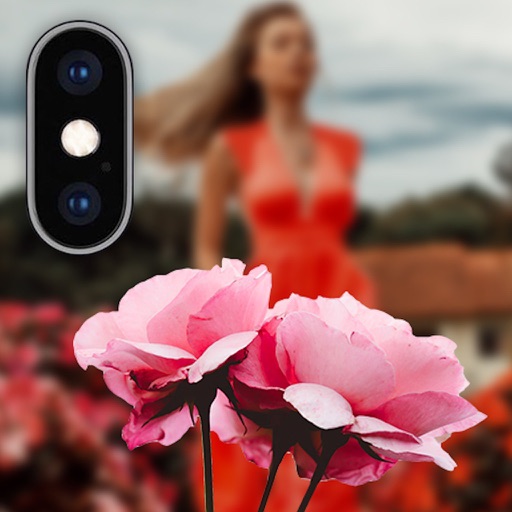
Capture photos with -like focus effects and background blur. Adjust depth settings for precise bokeh. Edit images with advanced depth mapping technology. Export high-quality photos in various formats.
Create artistic images with single-tap camera effects and professionally designed filters. Adjust brightness, contrast, and tone curve. Blur and focus images. Rotate, crop, and resize photos. Add text and fun stickers.
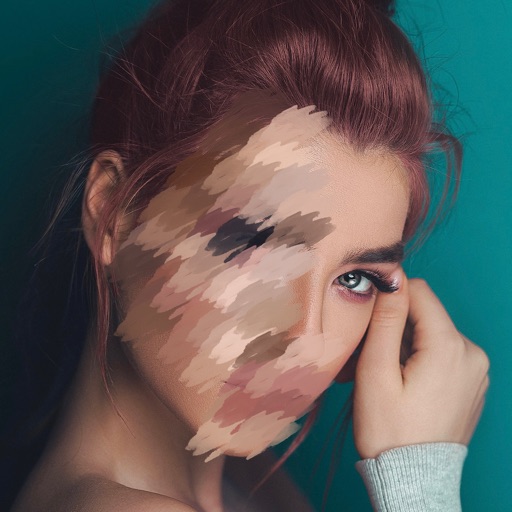
Automatically pixelates faces and blurs sensitive content in photos using smart auto blur. Users can hide or reveal faces with a single tap. Manual editing allows adjusting filters like pixelate, blur, mosaic, and crystallize.
Record cinematic videos with wide aperture and bokeh effects on dual, triple, and LiDAR camera iPhones and iPads. Edit with keyframe controls, adjustment layers, and customizable settings. Export final videos directly.
Edit photos with AI cartoon filters, -to-sketch conversion, and mosaic art creation. Remove backgrounds, add drip art, and create collages. Save and share edited images directly.
Edit photos with depth-based bokeh effect for professional portrait blur. Restore old or damaged images with enhanced clarity. Remove unwanted objects from photos. Adjust colors, brightness, and contrast. Export edited photos in various formats.
Take photos with real-time beauty filters and effects. Apply makeup and adjust skin tone instantly. Use photo filters to enhance images. Create collages by combining multiple photos. Edit with blur, whiten, and other tools.
Backgrounds using artificial intelligence for quick depth effects and portrait mode. Adjust intensity manually. Unblur photos if needed. Share edited images directly to Instagram.
Edit photos with mosaic, pixelation, vignette, overlays, and HDR effects. Apply shattering effects with real-time adjustments. Export edited images in various formats and share directly.
Offers manual camera controls for iPhone and iPad. Users can adjust exposure, focus, and white balance. Capture photos in ProRAW and ProRes formats. Record videos with advanced settings. Access DSLR-like features for precise image adjustment.
Images using adjustable strength and soft/hard brushes. Remove stains and defects from photos. Enhance images with high-resolution editing and zoom. Apply focus to hide unwanted details. Offset wrist to avoid finger obstruction during editing.