The app provides six essential tools in one application for generating app icons, launch screens, and web icons. It also includes an asset catalog creator and an image compressor to reduce file sizes.
Annotate images with tools like arrow, rectangle, circle, text, and magnifier. Import photos from library, camera, or map. Export with custom sizes and share. Customize colors, undo changes, and manage layers. Crop images and save history sessions.
Create print-ready labels, stickers, and cards using customizable templates or from scratch. Choose from round, square, or rectangle layouts. Drag, drop, resize, and rotate design elements. Add text, shapes, and images.
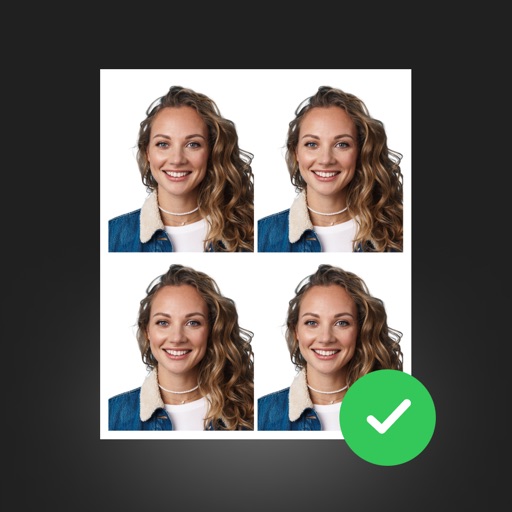
Create professional ID photos with AI tools. Automatically detect faces and remove backgrounds. Resize and crop portraits to fit official sizes. Support multiple countries' requirements. Generate printable -sized images for children and adults.
Create and customize rooms in 2D floor plans. Add and adjust room properties. Drag and drop furniture, doors, and windows from organized categories. Edit objects and arrange layouts. Save and export designs. Limitations on object count apply.
Add watermarks, text, signatures, and stickers to photos. Choose from symbols, trademarks, and social icons. Customize designs with logos and graphic elements. Save and share edited photos directly.
Multiple screenshots together to create a single long image. Select and arrange manually or let the auto- them seamlessly. Export the merged image for sharing or saving.