
iPhone Screenshots
Description
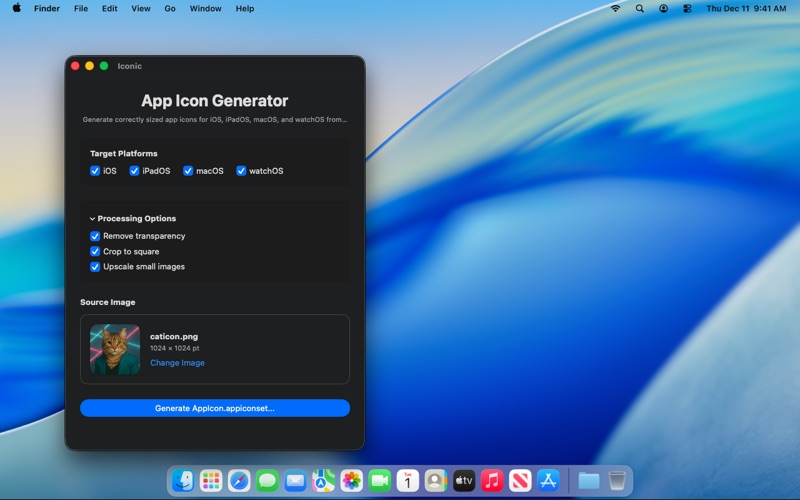
Iconic Asset Studio turns a single image into a complete, ready-to-use app icon set for all your Apple platforms.
Stop manually exporting dozens of sizes and focus on building your app instead.
With a few clicks you can drop in your artwork, pick the platforms you need, and export a correctly structured AppIcon.appiconset folder ready to drag into Xcode.
Key features
• One image in – full icon set out
Generate all required app icon sizes from a single high-resolution source image.
• Multi-platform support
Create app icons for iOS, iPadOS, macOS and watchOS in one go.
• Correct AppIcon.appiconset structure
The app builds the proper folder with all PNG files and a valid Contents.json that Xcode understands.
• Drag & drop workflow
Simply drag a PNG or JPEG into the window or pick it via the file dialog.
• Clean, focused interface
No clutter, only what you need to generate icons quickly and reliably.
• Local and private
All processing happens on your Mac. Your images and generated icons stay on your device.
Typical use cases
• Creating app icons for new projects in seconds.
• Regenerating icon sets when you update your brand or artwork.
• Quickly producing platform-specific icon sets for prototypes and client builds.
Iconic Asset Studio is the small utility you will open every time you need fresh app icons — fast, consistent, and ready for Xcode.