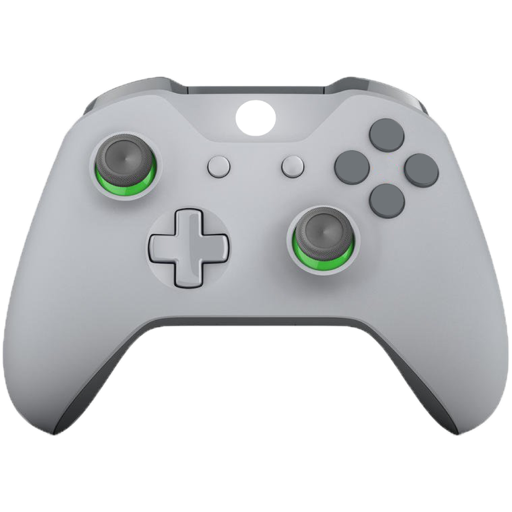
Test buttons and analog controls in real time. Display pressed keys, axis movement, stick input, and pressure. View raw input data and response. Troubleshoot connected controllers for functionality checks.
Find compatible iOS games for MFi controllers. View news, read guides, and test functionality. Check support for DualShock 4, DualSense, Xbox Wireless, and other controllers.
Test buttons, joysticks, and triggers for responsiveness. Visualize input responses and check analog stick sensitivity. Monitor battery levels and detect stick drift. Verify repairs and assess vibration motor function.
Test and troubleshoot functionality. Connect to iOS devices. Supports Xbox One Wireless, Xbox Series Wireless, PlayStation 4 DualShock 4, PlayStation 5 DualSense, and various MFI controllers. Check input responses and calibration.
Play retro games from multiple consoles including Nintendo 3DS, N64, DS, GBA, and more. Emulate PlayStation and Sega systems like Dreamcast and Saturn. Load ROMs to play classic titles. Save progress and adjust audio settings.
Devices and TVs by detecting them automatically over Wi-Fi. Access quick shortcuts for favorite channels. Use a widget to manage TV functions from the home screen. Switch between devices without manual setup.
Use your device’s vibrator or connect to a compatible game controller for vibration therapy. Choose from over 30 vibration patterns and adjust intensity levels. Control sessions with preset modes or custom settings.
TV functions with button layouts matching popular brands. Adjust volume, channel, and input settings. Manage smart home devices via integrated controls. View device status and receive notifications. Switch between multiple devices and profiles.
Stream games from Xbox to iPhone or iPad. Control game volume and chat audio. View game stats and player profiles. Navigate menus and access game settings remotely.
Configure joysticks or gamepads to simulate keyboard inputs, mouse movements, and clicks. Map axes and buttons to specific actions. Control apps and games without native support. Supports Xbox, Logitech, PS3, PS4, Steelseries, and Nintendo devices.
Allows users to host a Bedrock Edition server and display it as a LAN server on Xbox or PlayStation devices. Enter server IP and port, run the service, then connect via the LAN tab in Minecraft. Supports connection without DNS rerouting.
Control nearby AirPlay speakers, amplifiers, and TVs by grouping, ungrouping, and syncing them. Adjust bass, treble, volume, and use presets for different music genres. Manage and personalize favorite songs and artists.
Turn your phone into an remote . Navigate menus, access apps, and control streaming content. Support basic navigation and quick response for streaming and game interactions.
Connect controllers via Bluetooth and test functionality
Connect a game controller to an iOS device via Bluetooth. Test controller functionality and troubleshoot issues. Use an on-screen controller to games. Supports PlayStation 5, PlayStation 4, Xbox, and MFI controllers.