Capture and annotate screen content with full-screen, rectangular, and freeform shapes. Use tools like whiteboard, color picker, and magnifier. Save annotated images in BMP, JPG, JPEG, and PNG formats.
Convert images to macOS and apply them to files or folders. Choose from 20+ retina-ready templates. Customize folders with light/dark mode options and engraved styles. Apply with a single click.
Convert images to JPG, PNG, and GIF formats. Perform batch conversions of multiple files. Adjust quality settings for file size and image clarity. Use drag-and-drop interface for easy file management. Access via menu bar for quick operation.
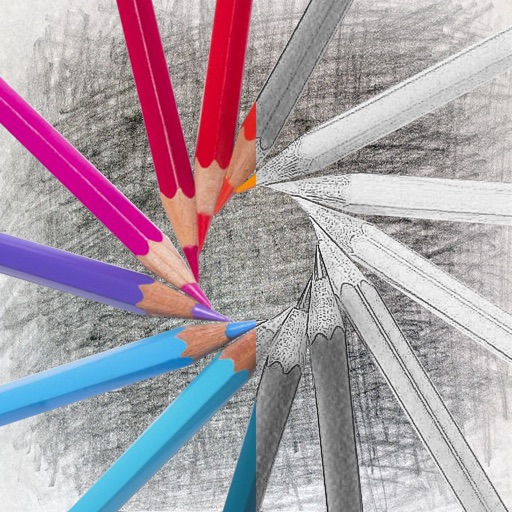
Convert photos into sketches with tone drawing engine. Adjust pen color, size, and background. Generate strokes with transparent backgrounds. Save sketches in original size and colorize with original colors.
JSON, XML, YAML, and HTML can be formatted or encoded/decoded. JavaScript code can be beautified or minified. MD5, SHA-1, SHA-256, SHA-512, CRC32, and other hashes can be generated. Base64 encoding and decoding is supported.