Control audio equipment remotely with level, EQ, and effect adjustments. Access professional audio processing for studio-quality sound. Manage live shows, studio recordings, and stage setups from macOS.
Create and mix audio tracks with DJ tools, access from media or cloud storage, use high-quality pads and loops, apply filters via swipe gestures, and adjust pitch with the Pitch Key A feature.
Record and mix audio tracks with editing. Apply effects like reverb and compression. Export in various formats. Support for multiple sample rates and audio formats. Adjust volume and pan for each track. Save and share mixed audio files.
Edit audio with multi-track and single-track modes. Cut, trim, and rearrange tracks with millisecond precision. Record audio, mix tracks, and zoom in for detailed editing. Save and export projects in various formats.
The app allows for remote adjustment of mixing parameters for the Roland M-300 V-Mixer. It provides control over channel and bus settings, including EQ and faders, from various locations.
Edit and remix music by separating tracks like vocals, drums, and guitar. Add MIDI instruments and apply audio effects. Use AI chord detection and a smart metronome. Remove vocals or isolate instruments from any song.
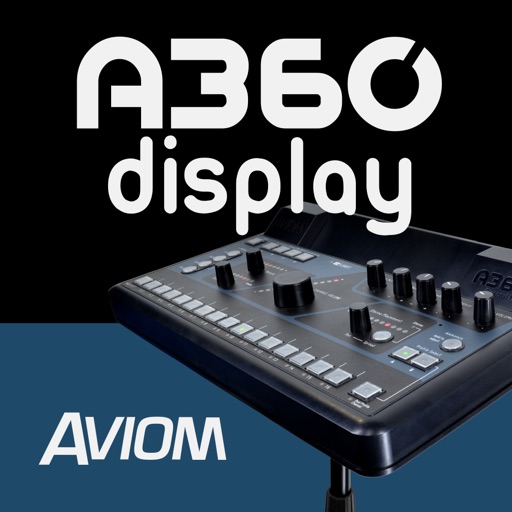
The app expands the Aviom A360 user interface with a graphical view of every channel in the mix. It shows real-time metering, volume levels, stereo placement, tone, reverb, and channel names for each mix channel.
Control synthesizer via iOS device with real-time visual feedback. Adjust mixer sliders and effects using multi-touch and touch pad. View instrument levels, effect amounts, and mixer balance. Sync and interact with for precise sound adjustments.